13 Product Analytics Software Tools to Compare in 2026
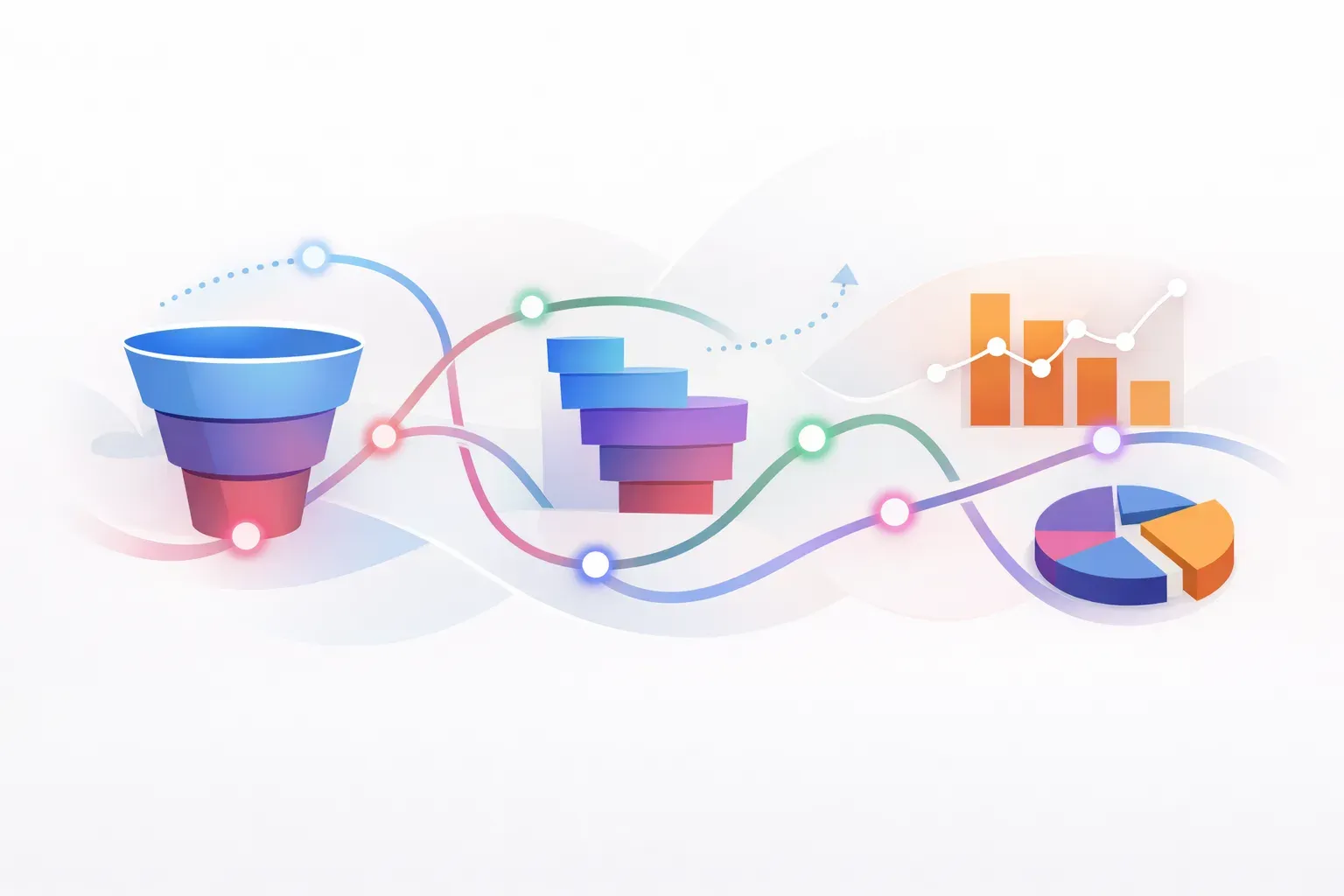
Choosing product analytics software starts with the question your team needs to answer. Are users completing key workflows? Which features bring them back? Where do they get stuck? Different tools support different kinds of analysis, so a useful shortlist depends on your product, data needs, and the decisions you want to make.
The 13 tools below cover behavioral analytics, session analysis, digital experience insights, and product adoption. Treat them as options to evaluate, not a universal ranking. Product capabilities and plans change, so confirm current details with each vendor before you buy.
Product analytics tools at a glance
| Tool | A possible fit when you need |
|---|---|
| Amplitude | Product behavior analysis and user journeys |
| Mixpanel | Event-based analysis of user actions and funnels |
| PostHog | Product analytics alongside a broader product engineering toolkit |
| Pendo | Product analytics connected with in-app guidance |
| Heap | Analysis of user interactions, including automatically captured activity |
| Fullstory | Session replay and behavioral insights |
| Google Analytics 4 | A familiar analytics option for digital properties and events |
| Matomo | An analytics platform to assess for your data-control requirements |
| June | Product analytics for SaaS teams |
| Smartlook | Session recordings alongside event analysis |
| Contentsquare | Digital experience analysis and behavioral insights |
| Woopra | Customer journey analysis across touchpoints |
| Glassbox | Digital experience analytics, including session-level investigation |
13 product analytics software tools
1. Amplitude
Amplitude is a candidate for teams that want to analyze user behavior across product journeys. Evaluate whether its event, funnel, retention, and segmentation workflows make it easy to answer your team's most common questions. Bring a real example to a trial, such as finding where new users stop before completing an activation action.
2. Mixpanel
Mixpanel is another option for event-based product analysis. It may suit teams that want to explore funnels, retention, and differences between user groups. Test how easily a product manager can move from a high-level trend to the underlying events and segments that explain it.
3. PostHog
PostHog is worth considering if you want product analytics in a broader product and engineering toolkit. The right fit depends on which capabilities your team will use and how much setup or maintenance it can own. Compare the analytics workflow with any other PostHog features you rely on, rather than judging it on one report.
If you are evaluating a move away from PostHog, use this comparison of PostHog alternatives for product analytics teams to separate analytics requirements from the workflows around them.
4. Pendo
Pendo combines product analytics with in-app guidance. That combination can appeal to B2B SaaS teams that want to measure feature use and respond with guidance, walkthroughs, or surveys in the same platform. Guideflow's product analytics software roundup describes this measure-and-influence workflow as a reason teams consider Pendo.
During evaluation, check whether the analytics answer the questions you need and whether the guidance can target the right users at the right time. Also test how the tool measures the action after a prompt appears. A message view is not proof that a user completed the intended task.
5. Heap
Heap is an option to investigate if your team wants to analyze user interactions without relying only on a manually planned event list. Confirm how its data capture works for your product, what events need additional setup, and how much effort it takes to keep analysis understandable as your product changes.
Automatic capture can make it easier to explore past behavior, but it does not replace clear definitions. Agree on what counts as activation, adoption, or task completion before using a metric to make product decisions.
6. Fullstory
Fullstory is commonly evaluated for session replay and behavioral investigation. It can help teams inspect what happened during a user session when an aggregate chart shows a problem but does not explain it. Check that recording and privacy settings fit your policies, and decide who will review sessions and turn observations into follow-up work.
Session replay is most useful when paired with a defined question. For example, if users start a setup flow but do not finish, investigate a sample of sessions alongside funnel data and customer feedback.
7. Google Analytics 4
Google Analytics 4 may fit teams that already use Google's analytics ecosystem or need to examine activity across a digital property. Before treating it as the main product analytics system, test whether its event model, reports, and user analysis answer your product team's questions without extra configuration or reporting work.
A key evaluation step is distinguishing website visits from product usage. If the decision is about whether customers complete a feature workflow, confirm that the events and user context needed to measure that behavior are available.
8. Matomo
Matomo is an analytics platform to assess when data handling and control are part of the selection criteria. Check the current hosting and deployment options, the data your team can collect, and how those choices fit your security and privacy requirements.
Then test it against product questions, not just general reporting needs. Ask whether the team can define and review meaningful usage events, compare relevant user groups, and share results with the people responsible for product changes.
9. June
June is a product analytics option aimed at SaaS teams. Evaluate whether its reporting and workflow fit the questions your team asks about user and account behavior. Use a real use case, such as comparing activation across customer segments, and see what setup is needed to reach a reliable answer.
As with any analytics tool, verify how it handles your product's event definitions and data sources. A quick dashboard is useful only if the team understands what its metrics include.
10. Smartlook
Smartlook is an option to assess if your team wants session recordings alongside event analysis. Test how it helps you move from a metric or event to the user behavior behind it. Confirm the recording controls, retention settings, and review process before using session data in regular product investigations.
A practical trial could start with a high-drop-off step. Compare the event data with recordings and customer reports, then decide whether the cause is a usability issue, unclear guidance, or a product limitation.
11. Contentsquare
Contentsquare is worth evaluating for teams focused on digital experience analysis and understanding user behavior across digital journeys. Check whether its analysis is suited to your product surfaces and whether the reporting helps teams act on specific friction, rather than only surface patterns.
During a trial, take one observed issue through to a decision. Identify the affected audience, find the behavior that indicates a problem, and confirm how the team would measure whether a change improved the experience.
12. Woopra
Woopra may be relevant when your analysis needs to follow customer journeys across more than one interaction or touchpoint. Test how it handles the identity and event data you need, and whether product teams can answer journey questions without relying on a separate analyst for every report.
Make sure the journey you want to analyze is defined in a way that supports action. For example, specify which users are eligible for a feature and what behavior counts as completing its core task.
13. Glassbox
Glassbox is another tool to consider for digital experience analytics and session-level investigation. It may be useful when teams need to inspect user journeys to understand where friction occurs. Review how its data collection, privacy controls, and reporting fit your product and internal policies.
Ask the vendor to demonstrate a scenario from your product. Start with a measurable drop-off or support issue, investigate the experience, and identify how the team would check whether its fix worked.
How to choose the right product analytics software
Start by writing down three to five product questions you expect to answer regularly. Examples include:
- Which users complete the first action that signals value?
- Where do eligible users stop in a workflow?
- Which customer segments return to use a feature?
- Did a release change the behavior it was meant to change?
- Are users seeing guidance and then completing the intended task?
Then compare vendors against those questions:
- Define the metric. Specify the event, eligible audience, and time window. Keep definitions consistent when comparing results.
- Test with your own data. A polished demo may not reflect your event structure, identity setup, or reporting needs.
- Check the path from pattern to explanation. Determine whether the tool supports the investigation your team needs, such as segmentation or session review.
- Review data and operational requirements. Confirm privacy controls, implementation effort, access, retention, and expected cost for your usage.
- Name the next action. Decide who will respond when a metric changes and how they will follow up.
For a deeper look at defining useful measures, see product analytics for SaaS and turning usage data into adoption. If adoption tracking is the main requirement, this guide to product analytics tools for adoption tracking focuses on event definitions, audiences, and follow-up.
Analytics is one part of the product workflow
An analytics platform can show what users did. It may not connect that behavior to the customer request that prompted a change, the roadmap decision, the release announcement, or the guidance intended to support adoption.
That distinction matters when a team can find a usage pattern but struggles to act on it. Managani connects feedback, roadmaps, changelogs, onboarding, in-app messaging, analytics, and adoption tracking in one workspace. It is not a like-for-like replacement for a dedicated analytics platform. It is relevant when the challenge extends from understanding product signals to coordinating the work that follows.
Choose a specialized analytics tool when deep behavioral analysis is the main requirement. Consider a connected product workflow when customer context and follow-through across decisions, releases, guidance, and adoption are also part of the problem.