Product Roadmap Software: Choosing the Right Fit in 2026
The best product roadmap software is the tool that helps your team make, explain, and revisit product decisions without turning the roadmap into a second project to maintain. The right choice depends on what is slowing your team down: prioritizing work, showing plans to stakeholders, coordinating delivery, or connecting customer input to what ships.
There is no single best option for every SaaS team. A timeline-first tool may suit a team that needs to visualize dates and dependencies. A product-focused tool may be a better fit when the challenge is deciding what to build and why. A connected product-growth platform can be useful when roadmap work needs to stay linked to feedback, release communication, onboarding, and adoption.
Product roadmap software recommendations by need
Use this as a shortlist, not a universal ranking. The named tools below are options to evaluate for different workflows, not a claim that one will fit every team.
| If your main need is... | Start by evaluating... | What to verify |
|---|---|---|
| Visualizing project timelines | Wrike | Whether timeline planning also supports your product prioritization and roadmap communication needs |
| Product prioritization and roadmap planning | Productboard, Aha! Roadmaps, ProductPlan | How each handles customer evidence, decision rationale, and views for different audiences |
| Keeping discovery close to Jira work | Jira Product Discovery | How roadmap decisions connect to your team's delivery process |
| Collecting and organizing feature requests | Canny | Whether the request workflow connects cleanly to prioritization, roadmap decisions, and follow-up |
| Connecting roadmap work to the broader product-growth loop | Managani | Whether a connected workflow fits better than adding a dedicated roadmap-only tool |
The supplied CPO Club comparison identifies Wrike as a strong option for visualizing project timelines. That distinction matters: a clear timeline can help teams coordinate work, but timeline visibility alone does not answer whether an initiative is valuable, what customer evidence supports it, or how the team will assess adoption after launch.
For a wider product-roadmap shortlist and additional comparison criteria, see 15 product roadmap software tools for SaaS product managers. If prioritization is the bigger challenge, the Productboard alternatives comparison gives more context for evaluating that part of the workflow.
What to look for when comparing roadmap tools
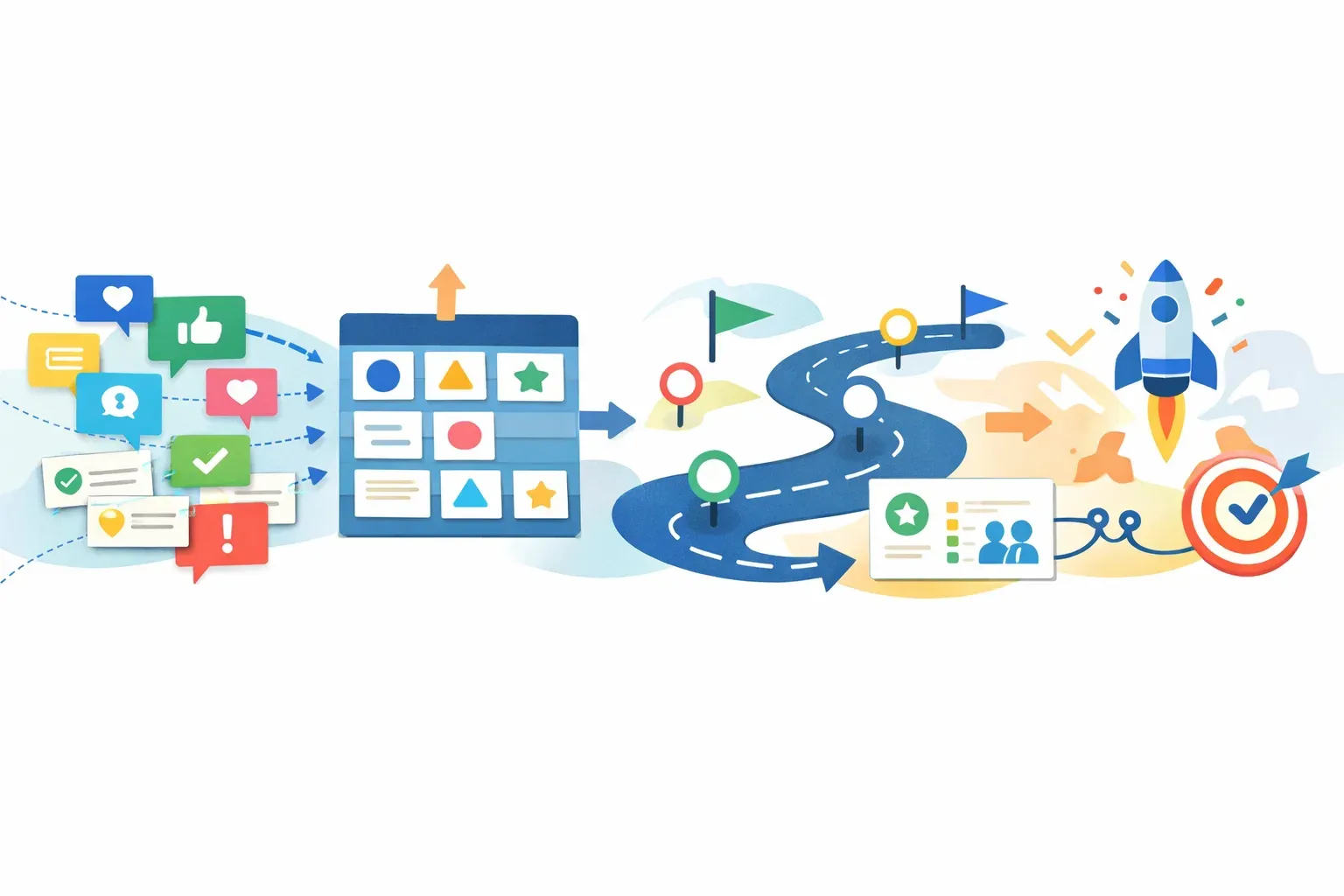
A roadmap is useful when it makes choices understandable and keeps them current. During an evaluation, try a real initiative from your backlog rather than relying on a vendor demo. Follow it from the first customer signal to the point where the team checks whether the change helped.
1. A clear link between evidence and decisions
Check whether the team can preserve the reason behind a roadmap item. That context might include customer requests, recurring problems, product usage observations, or a strategic goal. A list of initiatives without supporting evidence can show what is planned, but not why it is worth doing.
Test a specific case: can you find the customer problem, see how the team assessed it, and understand why it was prioritized over another request? If that information lives in separate documents or conversations, factor the manual work into your decision.
A roadmap should not turn every request into a commitment. The tool should support a decision process where related feedback can be considered together, and where the team can record what it decided and why. For more on that workflow, read how feature request management works for SaaS teams.
2. Views that suit different audiences
Product teams, executives, customer-facing teams, and customers may need different levels of detail. Internal planning can include assumptions, trade-offs, and uncertain timing. A stakeholder or public view may need clearer themes and status, without exposing internal notes or presenting tentative dates as promises.
During a trial, build both an internal view and an audience-facing view. Check what can be shared, what stays private, and how much effort it takes to keep each view accurate. If the team has to re-create the same roadmap information for every audience, that upkeep may become part of the problem the tool was meant to solve.
3. A sensible relationship with delivery tools
A roadmap describes direction and priorities; it does not replace the team's delivery process. If your team uses a separate delivery tool, test how roadmap items connect to that work. Confirm what syncs, how updates behave, and what still needs to be maintained manually.
Do not judge the connection by whether an integration exists. Use a real change to test whether ownership, status, and context remain clear as work moves from planning to delivery. A connection that regularly needs correction can add more overhead than it removes.
4. A way to communicate decisions and releases
Roadmap communication does not end when a team changes an item's status. Customers may need to know that a decision was made, that a feature shipped, or that the team is still investigating a problem. Check whether your roadmap tool supports the communication you need or whether another workflow will handle it.
Also decide what a status means. "Planned" can be read as a promise if the team does not explain its planning conventions. Use labels and dates carefully, especially in customer-facing views.
5. A path to learning after launch
A roadmap item is not complete from a product-growth perspective just because development work is done. The feature may need a release update, in-app guidance, or a follow-up with the customers who asked for it. The team may also need to see whether the intended users tried the feature or returned to it.
During evaluation, trace one item beyond delivery. Can the team find the original reason for the work, communicate what changed, and decide how to check adoption? If those steps happen elsewhere, make the handoffs explicit. The guide to measuring feature adoption explains why teams should define the intended user action rather than count exposure alone.
Which type of roadmap software is right for your team?
Choose a timeline-oriented tool when coordination is the constraint
A timeline view can help when the main problem is understanding sequence, dependencies, or target timing across initiatives. It may be less useful if the team has not agreed on how it prioritizes work or needs stronger links between customer evidence and product decisions. Evaluate planning and prioritization separately from visual presentation.
Choose a product-focused roadmap tool when prioritization is the constraint
If the team struggles to compare initiatives, preserve decision rationale, or communicate product direction, focus your evaluation on those activities. Productboard, Aha! Roadmaps, and ProductPlan are examples to include in a product-roadmap shortlist. Test each with the same real initiatives and questions, rather than comparing feature lists in isolation.
Choose a delivery-adjacent option when planning gets lost between discovery and execution
For teams already centered on Jira, Jira Product Discovery is a candidate to evaluate. The key question is whether it helps your team carry product context into delivery without making it harder for stakeholders to understand the roadmap. Check the actual workflow your team will use, including what happens when priorities or status change.
Choose a feedback-focused workflow when customer requests are the starting point
If the team receives requests from many channels and has trouble grouping them or keeping the customer context attached, assess the feedback workflow as well as the roadmap display. Canny is one option to consider for request management. Confirm how your chosen setup moves from requests to decisions, then from decisions to customer updates.
Consider a connected product-growth platform when handoffs are the constraint
A dedicated roadmap tool may be the right choice when planning is the isolated problem. But if the team repeatedly copies information between feedback, roadmap, release communication, onboarding, and adoption tracking, compare that tool stack with a connected workflow.
Managani brings feedback, roadmaps, changelogs, onboarding, in-app messaging, analytics, and adoption tracking into one workspace for lean SaaS teams. Its potential fit is the connected workflow, not a claim that it replaces every specialized roadmap or delivery tool. Review the product OS overview to see how those product-growth activities relate.
A practical evaluation checklist
Before choosing a product roadmap tool, use one real initiative and answer these questions:
- Can the team see why the item is on the roadmap? Check whether supporting customer evidence and decision rationale are easy to find.
- Can you present the roadmap to different audiences? Test internal and external views, including privacy controls and uncertain dates.
- Does it fit your planning rhythm? Try the team's actual review and update process, not only the initial setup.
- Does it work with your delivery process? Verify what connects to existing tools and identify remaining manual updates.
- Can the team communicate changes? Check how decisions, delays, and releases will be explained.
- Can you follow the work past launch? Identify how the team will learn whether the intended users adopted the change.
- What will it cost to keep the roadmap useful? Include subscription costs, setup, data migration, administration, and time spent maintaining views.
Score each option against the same criteria. A tool that looks powerful in a demo can still be a poor fit if it adds extra steps to the team's regular decision process.
The best product roadmap software depends on the bottleneck
For timeline visibility, evaluate tools built around planning and visual coordination, including Wrike. For product prioritization and roadmap communication, compare product-focused options such as Productboard, Aha! Roadmaps, and ProductPlan. For a Jira-centered discovery workflow, include Jira Product Discovery. If customer requests are the entry point, assess Canny and how well it connects to the rest of the process.
If the larger issue is that feedback, decisions, releases, and adoption live in disconnected systems, evaluate the workflow as a whole. The strongest choice is the one that helps your team make clear decisions and carry their context through to customer communication and learning.
Frequently asked questions
What is the best product roadmap software for a SaaS startup?
The best choice depends on the startup's main constraint. A small team may prefer a focused roadmap tool if planning is the only gap. If customer evidence, roadmap decisions, release communication, and adoption tracking require repeated manual handoffs, compare connected workflows as well as standalone tools.
Is roadmap software the same as project management software?
No. Roadmap software helps teams communicate product direction and priorities. Project management software generally focuses on organizing and coordinating delivery work. Some products support parts of both, so test whether the tool serves your roadmap audience and your delivery process before treating them as interchangeable.
Should a product roadmap include dates?
Include dates when the team has a sound reason to communicate them and can maintain them. For uncertain work, themes, sequence, or status may communicate direction without implying a firm commitment. Make sure internal and customer-facing audiences understand what each label means.