10 Best AI Customer Support Software Tools to Compare in 2026

Choosing AI customer support software is less about finding the tool with the most automation and more about finding one that handles your customers' actual questions without making support harder to manage. A small SaaS team may need a free starting point and a shared inbox. A larger team may need AI-assisted answers, routing, reporting, and controls for complex cases.
Below are 10 tools to compare, with a focus on likely fit and the questions to check before you buy. Treat plan details as changeable: verify current pricing, AI allowances, seat limits, and feature availability directly with each vendor.
10 AI customer support tools to consider
1. Featurebase
Featurebase is worth considering if your support conversations overlap with product feedback and customer-facing updates. That connection can help a SaaS team carry a customer issue into product discussions rather than leave it as a closed support ticket.
A free plan may also make it a practical starting point for a small team. Featurebase's 2026 comparison says its free plan includes unlimited conversations; check the current plan page for any other limits or conditions before relying on that for your volume. See Featurebase's comparison.
Best for: SaaS teams that want support conversations near product feedback and updates.
Check: Whether the support workflow covers your channels, reporting needs, and AI use cases.
2. Help Scout
Help Scout is an option for teams that want a shared support inbox and a more human-led service workflow, with AI assistance as part of the evaluation. It may suit a team that wants agents to stay involved rather than hand most conversations to automation.
The 2026 comparison identifies a free plan, with limits that may apply to seats or AI usage. Confirm what the free tier includes and whether it supports your expected team size.
Best for: Small support teams that value a shared inbox and agent-led replies.
Check: Which AI features are included in the plan you expect to use.
3. Tidio
Tidio is commonly considered by smaller businesses looking for customer conversations through chat and related support channels. If your main need is to answer common questions quickly, evaluate how its AI handles your own help content and how easily a person can take over.
The 2026 comparison notes a free plan with limits on seats or AI usage. Test the actual allowance against your conversation volume rather than treating "free" as unlimited.
Best for: Small teams starting with chat-based support and basic automation.
Check: Channel coverage, AI limits, and the handoff from automated replies to an agent.
4. Crisp
Crisp is another option for teams looking to bring customer conversations into a shared support experience. Its free plan may be useful for trying the workflow, but the 2026 comparison notes that plans can have limits on seats or AI usage.
Before choosing it, test whether the inbox gives agents enough context to answer questions and whether the AI response can be reviewed or corrected when it misses the mark.
Best for: Small teams evaluating a shared inbox and customer chat.
Check: The plan's seat and AI allowances, plus which channels are included.
5. Intercom
Intercom is worth evaluating when customer support is closely tied to in-product conversations and automated assistance. Its AI capabilities may be relevant to teams that want to answer common questions or direct customers to useful information within a broader service workflow.
The main evaluation question is how costs and usage limits scale with your contact volume and chosen AI features. A feature that works well in a demo may have different costs or controls in production.
Best for: SaaS teams that want support conversations connected to in-product customer communication.
Check: AI pricing, escalation controls, and how well the tool uses your support content.
6. Zendesk
Zendesk is a candidate for teams that need a broad customer service platform and established ticketing workflows. AI can support parts of that operation, but the useful comparison is how automation fits the existing process: triage, agent responses, escalation, and reporting.
Teams with more complex support operations should map their requirements before comparing plans. Include admin effort and the systems that need to connect, not just the AI feature list.
Best for: Teams with structured support queues and more involved service operations.
Check: Which AI functions are in each plan and how they fit your routing and reporting needs.
7. Freshdesk
Freshdesk is another service platform to consider for teams that want ticket handling with AI assistance. It may be a fit if you want to organize customer requests and assess automation within a service desk workflow.
Use real tickets to test it. Try a common question, a question with missing information, and an issue that should go straight to a person. That reveals more about the system's usefulness than a clean demo conversation.
Best for: Teams comparing ticket-based support platforms with AI features.
Check: Automation limits, agent controls, and whether the reporting answers your team's questions.
8. Ada
Ada is focused on automated customer service, making it relevant when a team wants to resolve a meaningful share of routine questions with AI. The key is whether it can do so safely and accurately for your particular customers and support content.
Test how it responds when the answer is unclear or the customer has an unusual case. Look for an effective path to a human agent, and confirm how your team can review and improve answers over time.
Best for: Teams exploring more automated handling of recurring support questions.
Check: Answer quality on your content, escalation behavior, and setup requirements.
9. Gorgias
Gorgias is often considered by ecommerce support teams that want customer conversations organized around their service workflow. If your company is not ecommerce-focused, confirm that its channel and customer-context features match your needs rather than assuming a popular support tool is a general fit.
For any AI support tool, check what information it can use to answer a question and what it is allowed to do. The difference between suggesting a reply and taking an action on a customer's account matters.
Best for: Ecommerce businesses assessing AI within a customer service workflow.
Check: Whether the product's workflows suit your business model and how AI actions are controlled.
10. Kustomer
Kustomer is an option for teams evaluating customer service around a more unified view of customer interactions. Consider it when support agents need context from multiple interactions, not only the current ticket.
During a trial, check whether that context is easy to find and useful in practice. Also assess the effort required to configure the workspace and connect it to your other customer systems.
Best for: Teams that need a broader view of customer history across service interactions.
Check: Integration needs, setup effort, and the AI features available at your expected plan level.

How to choose the right tool
A short, practical test can help narrow the list:
- Pick three real support cases. Include a frequent question, an issue that needs investigation, and a case where the AI should not answer confidently.
- Test the content source. Find out what help articles or other information the AI can use, how often it updates, and what happens when the answer is missing.
- Check the handoff. Confirm that a person can take over with the conversation history and customer context intact.
- Compare total cost. Include seats, conversation or usage limits, AI allowances, and any plan upgrades needed for essential features.
- Review and improve answers. Ask how agents can flag incorrect responses and how your team can update the underlying guidance.
- Measure the outcome. Look beyond the number of automated replies. Track resolution, escalation, repeat contact, and customer feedback.
The right choice depends on what your team wants AI to do. If the goal is to help agents answer faster, prioritize the quality of suggested replies and the shared inbox. If the goal is to resolve routine issues without an agent, focus on answer accuracy, escalation, and clear limits on automated actions.
Where support ends and product growth begins
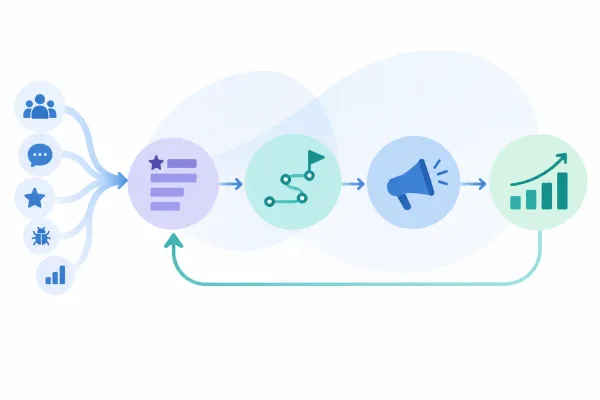
Support software helps a team respond to customer questions. It does not necessarily help the team carry a recurring issue into product prioritization, communicate a product change, and see whether customers adopt it.
That distinction matters for SaaS teams when support conversations repeatedly reveal product friction. A support tool can capture the conversation, while a connected product workflow can help preserve the signal through feedback, a roadmap decision, release communication, and adoption follow-up. Managani brings those product-growth workflows together; it is not a like-for-like substitute for a dedicated AI support platform. Learn more about customer feedback management for product teams or testing handoffs between product-growth tools.
Frequently asked questions
Which AI customer support tools have free plans?
The 2026 comparison cited above identifies free plans from Featurebase, Help Scout, Tidio, and Crisp. It says Featurebase's plan includes unlimited conversations, while limits on seats or AI usage may apply to the others. Check each vendor's current terms, since plan features and limits can change.
What should I check before buying AI support software?
Test answers against real support questions, review how customers reach a human agent, and confirm which content the AI uses. Then compare total cost, including seats, AI allowances, and usage limits. A useful evaluation also tracks whether issues are resolved, escalated, or repeated.
Does AI customer support software replace human agents?
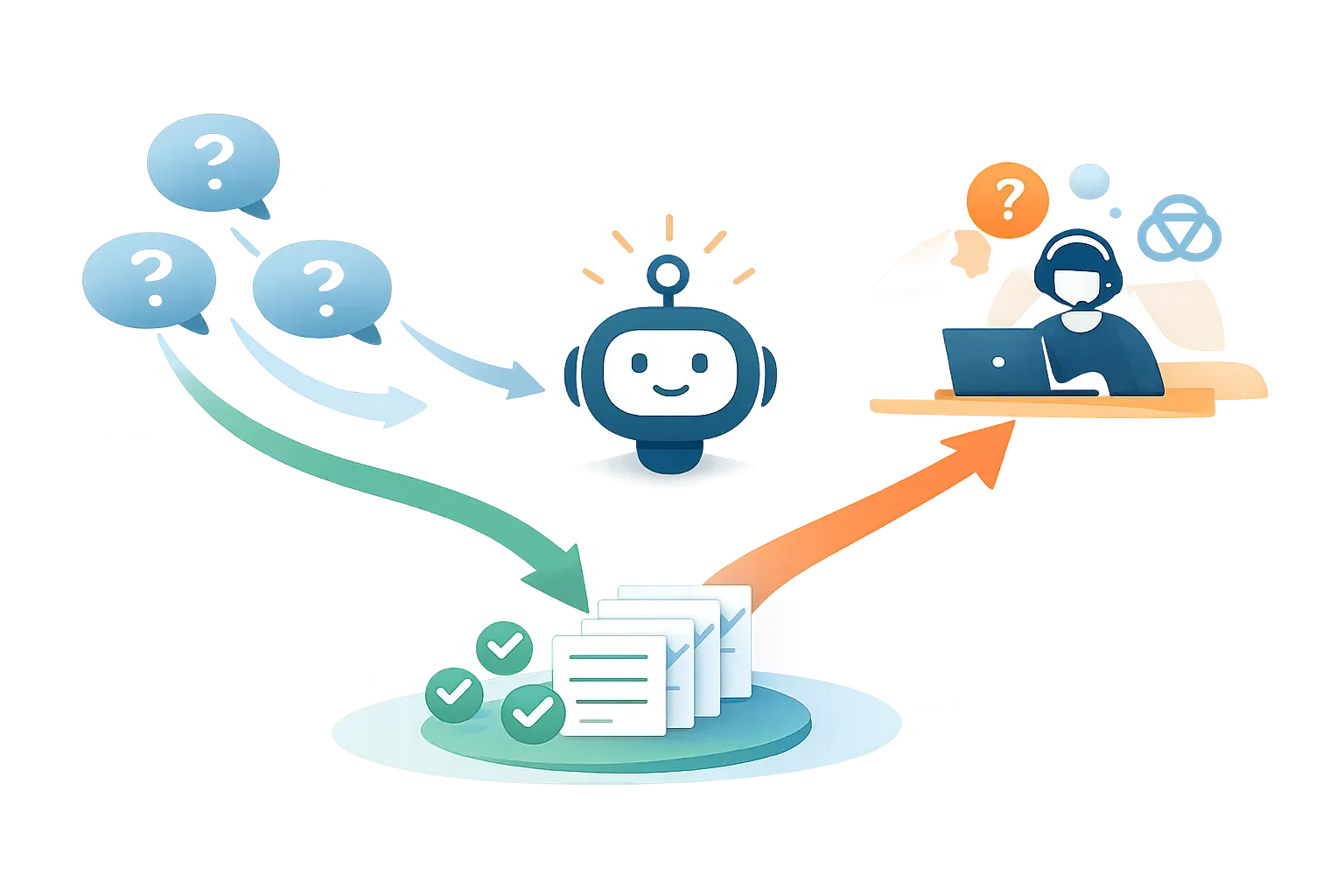
Not necessarily. AI can help answer routine questions or assist agents, but teams still need a reliable way to handle exceptions, sensitive cases, and unclear answers. Test how the tool signals uncertainty and transfers a conversation to a person.