B2B SaaS Customer Onboarding Software: 2026 Selection Guide
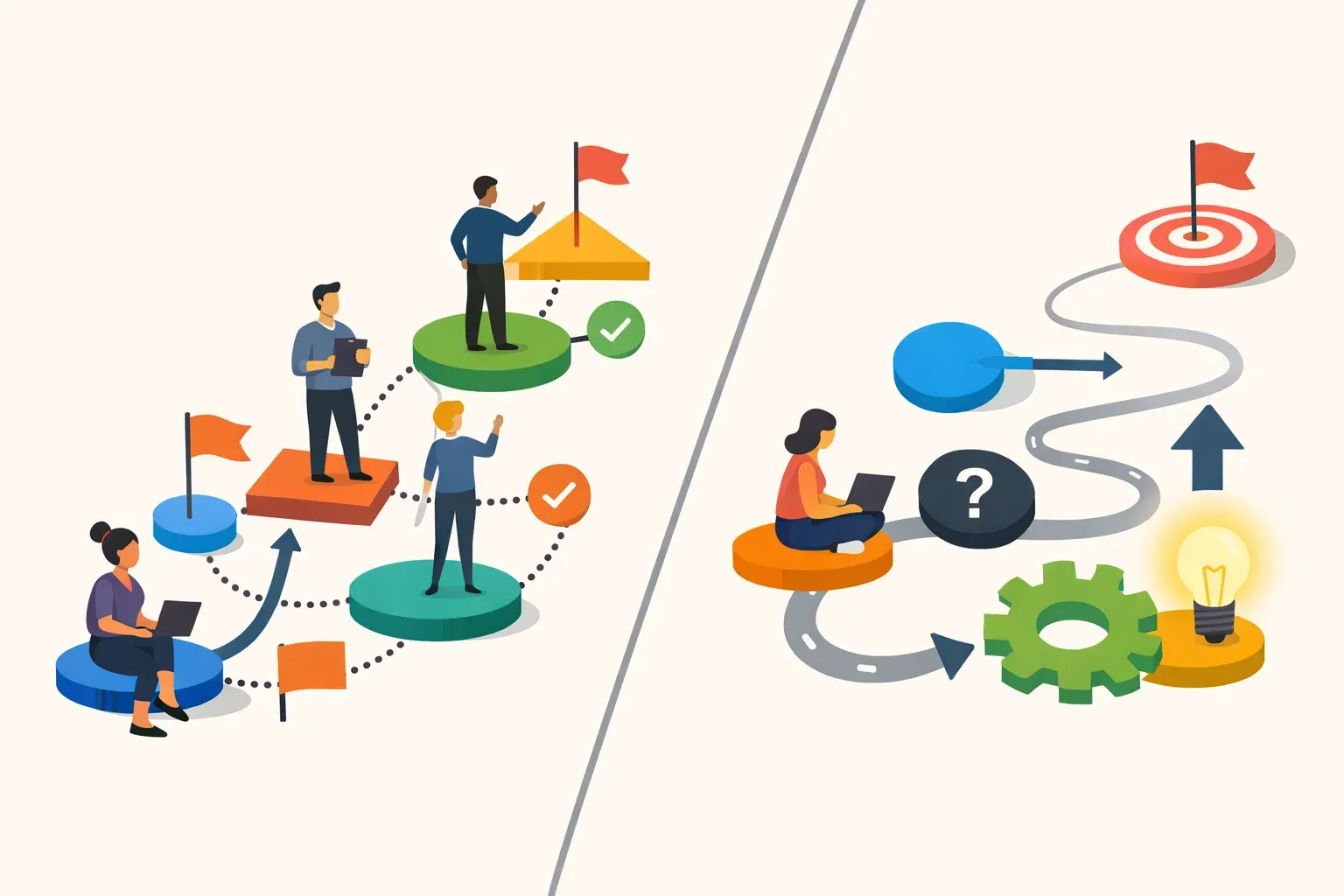
B2B SaaS teams use "customer onboarding software" to describe different jobs. One tool may help a customer success manager coordinate an account's implementation; another may guide an individual user through the product with checklists, tooltips, and walkthroughs. The right choice depends on which job is slowing customers down.
Before comparing vendors, define the outcome you want: a customer account completing implementation, a new user reaching a first useful action, or an existing user adopting a newly released feature. These outcomes may involve the same customer, but they need different workflows and measures.
What does customer onboarding software do?
Customer onboarding software supports the steps that help a new customer or user get started with a product. For B2B SaaS, that can mean coordinating account-level setup, guiding an individual through the interface, or combining both.
The distinction matters. Account onboarding may involve an implementation plan, assigned owners, integrations, data migration, and milestones across several customer stakeholders. In-app user onboarding focuses on what a person sees and does inside the product: for example, completing a setup checklist, following a tour, or responding to a contextual prompt.
The phrase is used in both ways. OnRamp's guide to B2B SaaS customer onboarding software, for example, distinguishes user onboarding through in-app guidance from broader customer onboarding needs. Use that distinction when you evaluate tools: a product tour is not an implementation plan, and an account plan does not explain a confusing screen.
First, identify the onboarding job
Write down the point where customers or users currently stall. A specific problem makes it easier to choose software than a broad goal such as "improve onboarding."
Choose account onboarding software when the work spans people and milestones
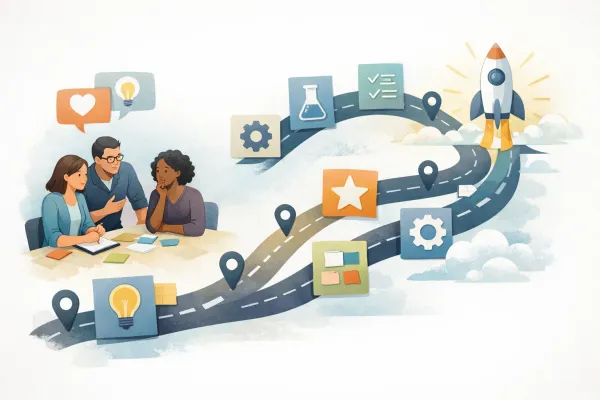
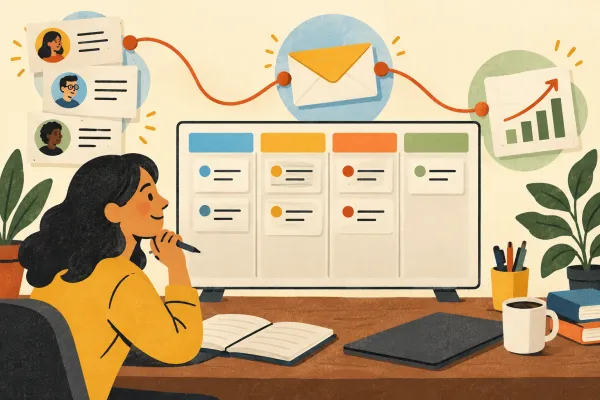
Look for a customer onboarding platform when your team needs to coordinate implementation across your company and the customer's team. The core workflow may include assigning tasks, tracking milestones, managing dependencies, and giving stakeholders visibility into progress.
This is often the right category when customers need help configuring a complex product, connecting systems, importing data, or completing a sequence of steps before they can use the service. The evaluation should focus on coordination: Can the team see who owns each task? Can customer and internal owners understand what is blocked? Can the onboarding lead spot accounts that need attention?
Choose in-app onboarding software when users get stuck in the product
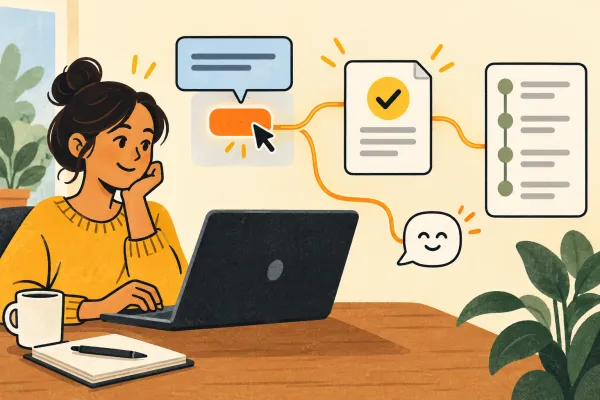
Use in-app onboarding tools when people need guidance while using your software. Common elements include checklists, product tours, tooltips, highlights, and contextual prompts. They can point users toward an important action without requiring a live call or a separate help document.
This approach fits problems such as users missing a feature, abandoning setup halfway through, or not understanding what to do after signing in. It can also support adoption of a feature that existing customers have not tried.
A useful starting point is to map one user journey from first login to a meaningful product outcome. Mark where the user must make a decision, enter information, invite a teammate, or complete a workflow. Add guidance only where it helps the person take the next step.
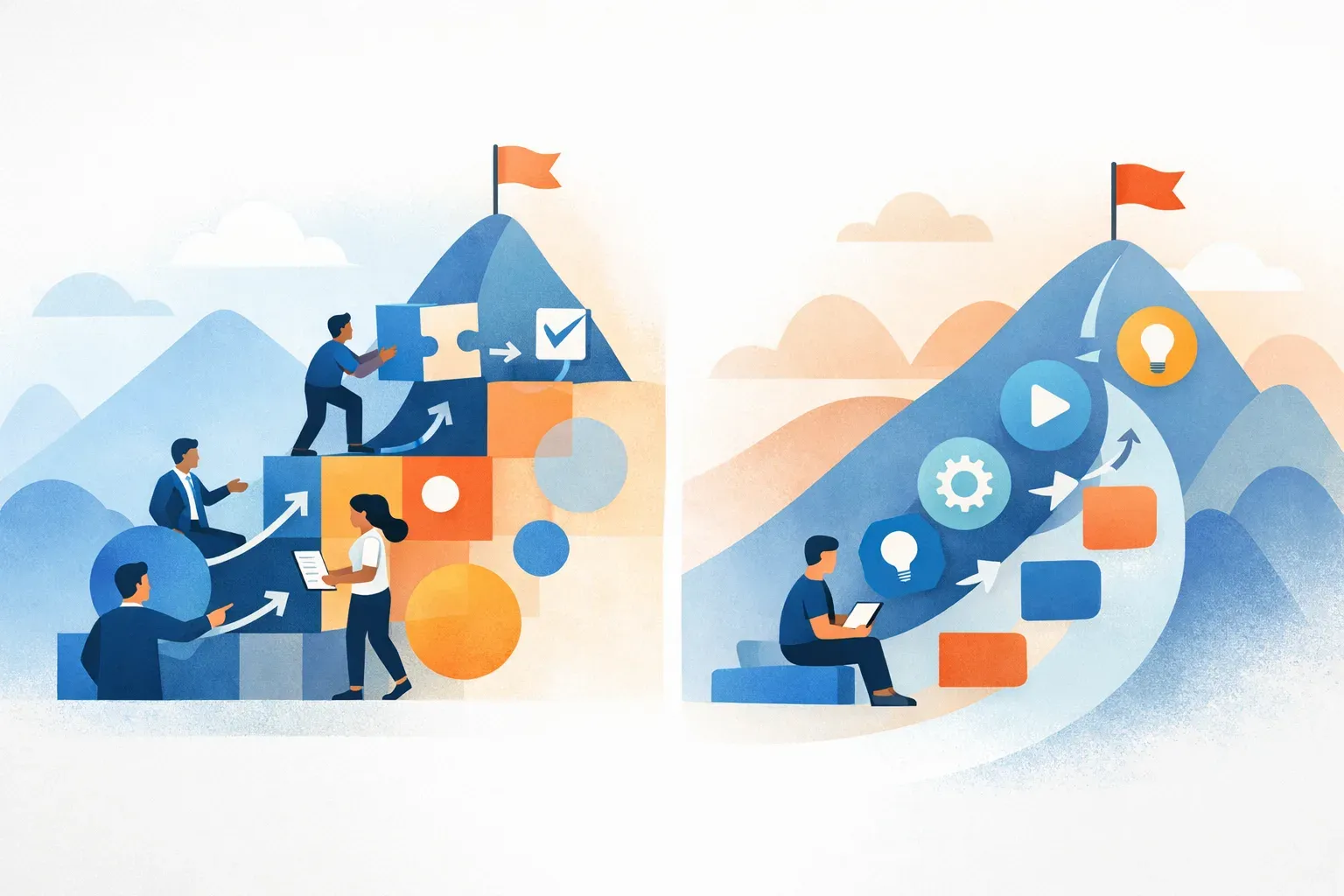
What to evaluate in B2B SaaS onboarding software
Once the job is clear, compare tools against the workflow you need, rather than counting features in a vendor's list.
1. Match guidance to a user and moment
A checklist, tooltip, or tour is useful only if it appears to the right person at the right time. Ask how the tool targets users and how your team can avoid showing first-time instructions to experienced customers. Consider whether guidance can be tied to a product area or action, rather than presented as a generic introduction to everything.
For example, a new administrator may need help configuring a workspace, while an invited teammate needs a short explanation of their first task. Those experiences should not automatically be identical.
2. Keep guidance focused on a real outcome
Choose a specific action that signals progress, such as completing a key setup step or using a core workflow. Then design the guidance around helping users reach that action. A long tour that explains every menu can add friction if the user only needs to do one thing.
For each step, ask: What does the person need to know right now? What is the next action? How will we tell whether the guidance helped? If the answer is unclear, simplify the step before adding another prompt.
3. Check how the tool handles change
Onboarding is not finished when the initial flow goes live. Product interfaces change, customers have different needs, and instructions can become outdated. Find out who can edit guidance, how updates are reviewed, and how the team will identify a flow that no longer matches the product.
A simple maintenance practice is to review each onboarding flow after a major product change and ask a support or customer-facing teammate to flag instructions that lead to confusion.
4. Connect guidance to product behavior
Views and clicks show exposure, not necessarily success. If a user sees a tooltip but never completes the task it describes, the guidance may not have solved the problem.
Decide which product events or usage patterns would indicate progress. Depending on the workflow, that might be setup completion, first use of a core feature, or repeat use over an appropriate period. Keep the measure tied to the intended outcome, and compare users who were eligible for the guidance rather than treating all accounts as equivalent.
For a closer look at connecting usage data to product decisions, see how to track events that turn shipped features into adoption data.
5. Give users a way to signal friction
Behavior can show where users stop, but it may not explain why. A short, well-timed question can help uncover whether the problem is unclear instructions, missing permissions, a technical issue, or a workflow that does not match the customer's needs.
Keep the question tied to the moment. If users leave a setup step, ask what prevented them from finishing. If a feature is not being adopted, ask whether they know it exists or understand when to use it. Feedback is most useful when the team can review it alongside the product experience that prompted it.
6. Account for the team's operating capacity
A tool that requires a specialist to build and maintain every flow may not suit a lean product team. Estimate the work involved in creating, targeting, testing, and revising guidance. Include the people who will own those tasks after launch, not just the team evaluating vendors.
Also account for implementation requirements. Confirm what needs to be added to your product, what customer or user data is used for targeting, and which internal roles need access. Verify details with the vendor before relying on them in a security or technical review.
Where Managani fits
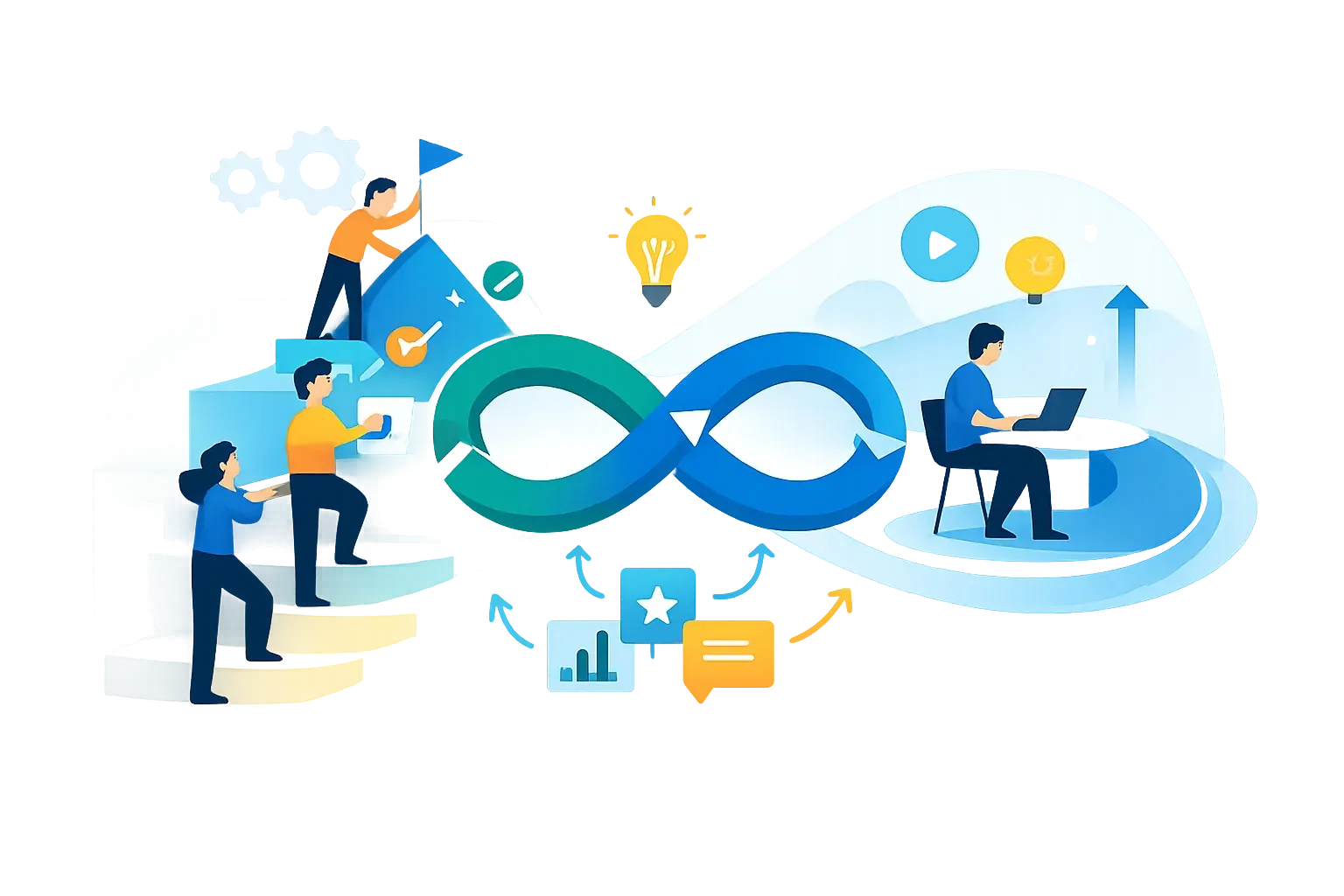
Managani is a product experience platform for lean SaaS teams. Its onboarding capabilities sit alongside feedback, roadmaps, changelogs, in-app messaging, analytics, and adoption tracking. The practical difference is that in-app guidance can be considered as part of a wider product workflow: a customer signal informs a product decision, a change ships, users receive guidance, and the team examines adoption.
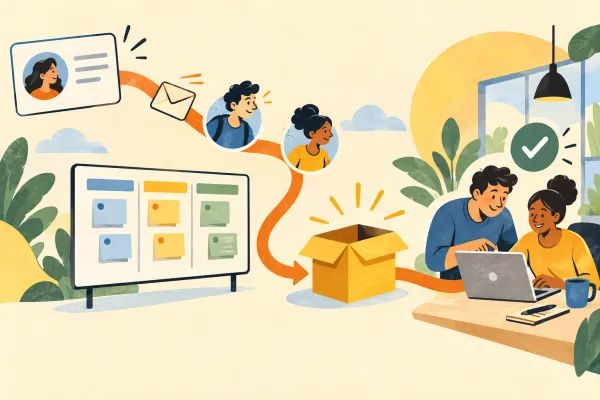
For example, suppose customers request a clearer way to complete a recurring task. The team can use feedback to understand the request, decide what to change, communicate the release, guide users to the updated workflow, and review whether usage changes. That connection helps answer a question a standalone guidance flow may not answer on its own: did the product change address the customer need?
Managani's in-app onboarding is not a substitute for every account-level implementation platform. If the primary need is coordinating customer-specific projects, tasks, and stakeholder milestones, evaluate tools designed for that work. If the need is helping people understand and adopt your product from inside the interface, explore SaaS onboarding software features for product teams and what SaaS onboarding software does for activation.
A practical way to compare vendors
Use a short evaluation based on one real onboarding problem:
- Name the audience: Is the flow for a customer account, an administrator, an invited teammate, or an existing user?
- Define the outcome: What task or behavior should that person complete?
- Map the friction: Where do they get confused, stop, or ask for help?
- Match the workflow: Does the tool coordinate account milestones, provide in-app guidance, or support both needs?
- Choose a measure: What event or customer response would show progress?
- Assign ownership: Who will build, review, and maintain the experience?
- Test a narrow flow: Try one important journey before committing to a large collection of tours and prompts.
Compare vendors using the same scenario. A polished demo can make nearly any product look capable; a test based on your real users and workflows shows whether the tool fits your team.
Frequently asked questions
What is the difference between customer onboarding and user onboarding?
Customer onboarding often refers to helping an account implement a product, which can involve multiple people, tasks, and milestones. User onboarding usually means guiding an individual through the product interface with elements such as checklists, tours, and contextual prompts. Some teams need both, but the software requirements are different.
What features should B2B SaaS onboarding software include?
The features depend on the job. Account-level onboarding may need task ownership, milestone tracking, and visibility across stakeholders. In-app onboarding may need checklists, tours, tooltips, highlights, targeting, and a way to assess whether users completed the intended action. Feedback and usage data can help teams find friction and improve the experience.
How do you measure whether user onboarding is working?
Start with the action the flow is meant to support, such as completing setup or using a core feature. Track eligible users who reach that action, and use a time period that matches the product workflow. Treat message views as exposure, not proof of adoption; follow up with feedback when the data shows users stopping but does not explain why.
The best onboarding software is the one that fits the customer's actual starting problem. Choose account coordination for implementation work, in-app guidance for product learning, and a connected approach when the team needs to learn from feedback and adoption after each change.