SaaS Onboarding Software That Connects Guidance to Usage
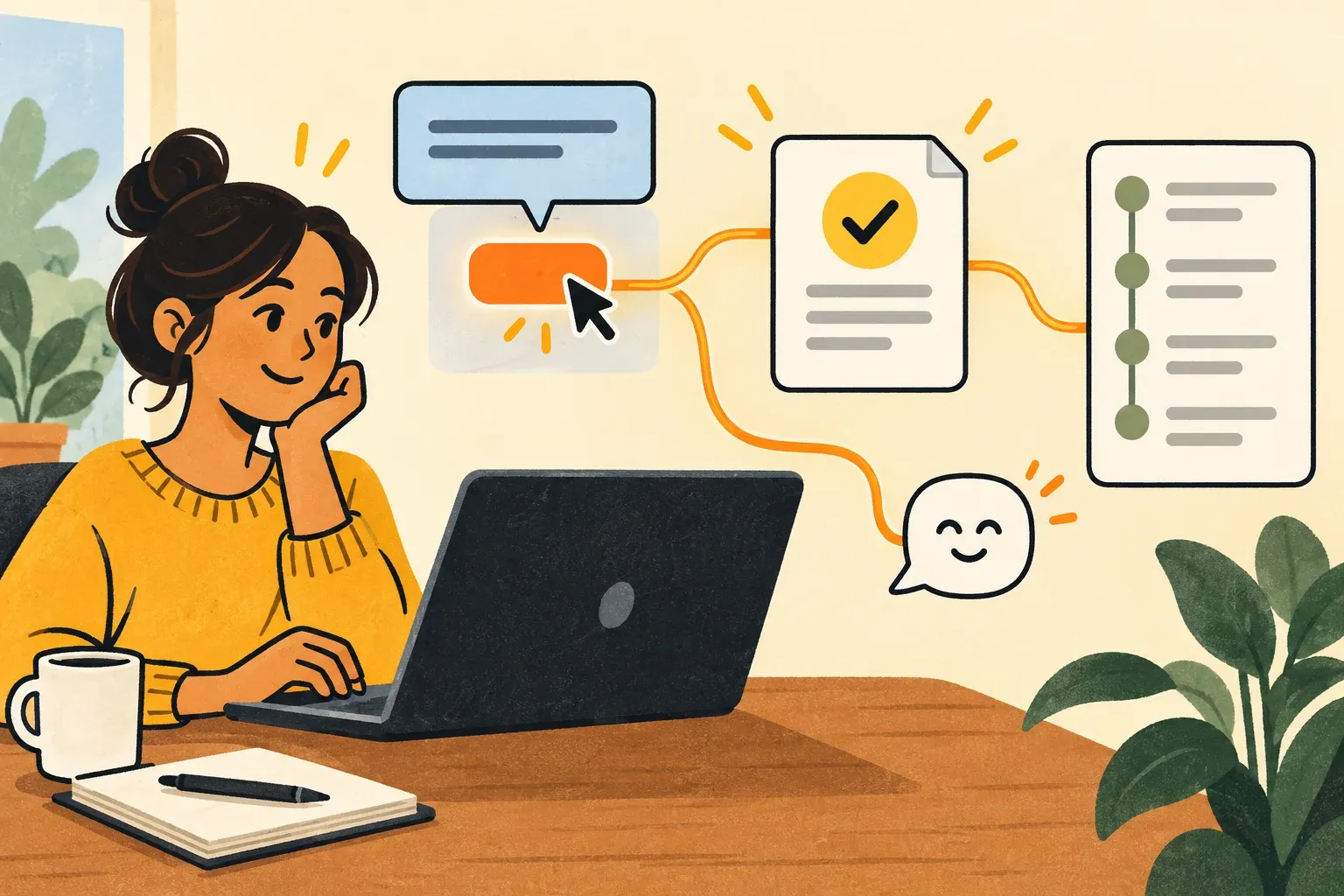
A user can finish a product tour and still have no idea how to get value from the product. They clicked "Next," saw the main screens, and left before completing the task they signed up to do.
SaaS onboarding software should help users reach a useful outcome, not just introduce the interface. Checklists, tooltips, highlights, and tours can all help, but only when each points toward a task the user needs to complete. Feedback can reveal where the path is confusing; usage tracking can show whether people complete it.
SaaS onboarding software for activation, not just tours
Activation is the moment a user completes an action that demonstrates initial value. That action depends on the product and the user's role. It could be creating and sharing a project, connecting a data source and viewing the first report, or inviting a teammate to work on a document.
A tour is one way to guide someone toward that action. It is not the action itself. If your onboarding report counts tour completions but cannot tell you whether users reached the first win, you are measuring exposure to guidance rather than activation.
Start by writing one sentence: "A new user gets value when they ____." Then identify the smallest set of steps needed to make that happen. This gives your onboarding prompts a purpose and gives your team a way to judge whether they worked.
Give each type of guidance a job
Different onboarding elements solve different problems. Using them all at once can bury the task under instructions.
- Checklists show a short path to the first win. Each item should represent a meaningful step, not a screen to visit.
- Tooltips explain an unfamiliar control at the point of use. They work best when the user is already trying to complete the related task.
- Highlights draw attention to an action that is easy to miss, such as the button that starts the next step.
- Tours can orient a user when a workflow crosses several parts of the interface. Keep them focused on the task rather than every available feature.
- Contextual prompts offer help when it becomes relevant. Guidance for a first-time user need not appear again after that person has completed the task.
For example, suppose a SaaS product's first win is sharing a project with a teammate. A checklist might show "Create a project" and "Invite a teammate." A tooltip could clarify the invitation control when the user reaches it. A highlight might draw attention to the sharing action. None of those interactions proves activation on its own; the invitation or another defined outcome does.
This is the distinction to keep in mind when comparing SaaS onboarding tools: Can the tool help users do the work, and can your team tell whether they did it?
Build the flow backward from the first win
Before writing a tooltip, map the user's route to value. Keep the first version narrow enough to review and change.
- Choose one audience. An account administrator setting up a workspace may need a different path from an invited teammate. If you combine them, the flow can give both groups irrelevant instructions.
- Define the outcome. Name the action that shows the user has reached initial value. Avoid a vague goal such as "explore the dashboard."
- Find the likely stopping point. Look at support questions, customer conversations, or observed drop-off. Does the user lack access, misunderstand a term, or fail to notice the next action?
- Place guidance at that point. Use the least intrusive element that answers the immediate question. A tooltip may do more good than a five-step tour.
- Decide what to measure. Record the meaningful action and the eligible audience, not just whether someone saw or dismissed the prompt.
This approach also makes onboarding easier to maintain. When a screen changes, you know which guidance supports a specific task and which outcome to recheck. The broader B2B SaaS customer onboarding selection guide covers how to distinguish in-app guidance from account-level onboarding milestones.
Use feedback to explain what tracking cannot
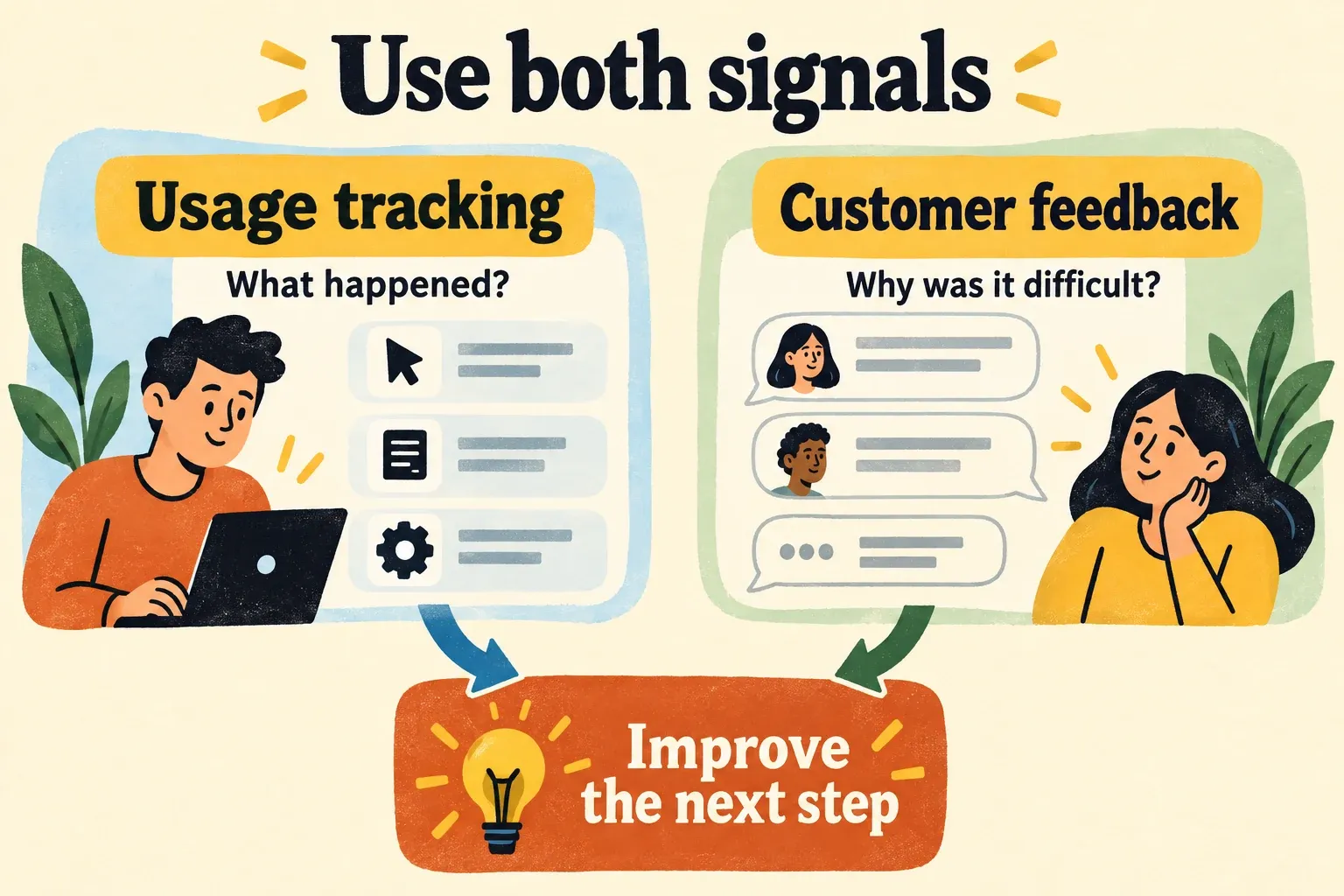
Usage tracking can reveal a pattern: users start a task but do not finish it. It may not explain why. One person might be confused by the interface; another might lack permission; a third might not need the feature yet.
Ask for feedback where it can help you make a decision. A short question after a failed setup attempt, or a review of support requests about the same step, may tell you more than another onboarding prompt. Look for repeated problems and preserve the user's context before changing the flow.
Managani connects onboarding with feedback and product usage in a product growth workflow. That matters after a release as well as during a new user's first session. If customers asked for a feature, the team can use in-app guidance to help them find it, then review usage and follow-up feedback to see whether it addressed the original problem. The customer feedback workflow explains how requests can stay connected to product decisions and follow-up.
The same principle applies to first-run onboarding: don't assume a low completion rate calls for more instructions. Feedback might show that the setup step itself needs to change.
Measure the outcome, then decide what to fix
Pick a product event that represents the first win. Depending on your product, that might be a completed setup, a successfully shared item, or a first finished workflow. Define who had the opportunity to complete it and allow a time window that matches the task.
Then compare three things:
| Signal | What it can tell you | What to check next |
|---|---|---|
| Guidance was shown | The user had a chance to see help | Was it shown to the right person at the right time? |
| Guidance was used or dismissed | The user interacted with the prompt | Did they proceed with the task? |
| First-win action was completed | The user performed the defined behavior | Did they return to use the workflow again? |
A prompt view is not a completed workflow. A completed workflow is a stronger signal, though it may still need customer context to tell you whether the experience was useful.
If users see the guidance but stop at the same step, rewrite or reposition it only after checking the underlying friction. If they complete the first win but never return, the next question may be about ongoing value rather than onboarding. For a closer look at choosing useful events, see tracking events that turn shipped features into adoption data.
Managani's tracking focuses on product usage and adoption, not general website traffic. Its connected workflow is useful when the team needs to move between a customer request, a shipped change, the guidance that introduces it, and the behavior that follows. Teams that need specialized analytics should still check their reporting requirements against the tool they choose.
Choose the scope of your onboarding tool
A dedicated onboarding tool can be a sensible choice if the main problem is building and managing in-app guidance and your feedback and analytics workflows already work well together. Check that it supports the audiences, placement, and measurement your product needs.
A connected product growth platform is a better fit when the handoffs are the problem: feedback lives in one place, release communication in another, tours somewhere else, and no one can readily tell whether users adopted what shipped. Managani brings those jobs into one workflow, so onboarding is part of learning from product changes rather than a separate set of pop-ups.
Managani is available as a managed beta. The complete application repository is planned for publication under AGPLv3 after beta, with documented self-hosting; it is not yet a self-hostable open-source application. You can review the open-source roadmap and current availability if deployment control affects your choice.
Whichever SaaS onboarding software you use, begin with one audience and one first win. Put guidance where that user gets stuck, measure the action that represents value, and use feedback to understand what the numbers leave unanswered.