10 Best Free Product Roadmap Software for SaaS Teams in 2026

A free roadmap tool is useful only if your team can keep the plan current without creating more manual work. Before choosing one, check what "free" means: an ongoing plan with limits, a trial that expires, or a tool that is free for a small team but charges as you add users or capabilities.
This list takes a free-first view. It includes lightweight tools that can support roadmaps, plus dedicated product platforms worth comparing if a trial is acceptable. Plan details can change, so confirm current limits, collaboration rules, and upgrade requirements with each vendor before moving your roadmap.
If you want a broader feature comparison beyond free access, see product roadmap software for SaaS teams.
Free and low-cost roadmap tools to shortlist
1. Jira Product Discovery
Jira Product Discovery is a candidate for teams that want product discovery and prioritization close to Jira delivery work. Use it to assess whether ideas, customer evidence, and roadmap decisions can stay connected to the team's existing workflow.
During a free-plan evaluation, check who can create and edit ideas, what collaboration limits apply, and whether stakeholders can view the roadmap without needing paid access. Also test the handoff from a roadmap decision to the team's delivery process. A roadmap that looks clear but requires repeated copying into another system may not save much time.
Best for: Teams already working in Jira that want discovery and delivery to sit near each other.
2. Trello
Trello can support a simple roadmap when a team needs a visual overview and has few planning requirements. A board with lists such as "Under consideration," "Planned," and "Shipped" may be enough for a small product or an early-stage team.
Its simplicity is also its boundary. Before adopting it, test how you will preserve the reason behind each item, represent priorities, share a customer-facing view, and update status. If requests and roadmap items are kept in separate places, someone will need to maintain the connection.
Best for: Small teams that want a basic visual plan and can manage context themselves.
3. Notion
Notion can be shaped into a roadmap using a database, timeline, or board view. This flexibility can help teams that already use it for product notes and want planning information in the same workspace.
The tradeoff is that the team must design and maintain the system. Decide what fields every roadmap item needs, who owns status changes, and which parts are safe to share outside the company. Test whether people can distinguish a tentative idea from a committed plan without relying on undocumented conventions.
Best for: Teams comfortable building their own lightweight roadmap structure.
4. GitHub Projects
GitHub Projects can be considered when product planning needs to stay close to development work. A team can organize work around issues and project views, reducing the distance between a plan and implementation for developer-led products.
It may be less suitable when the roadmap's main audience is customers, executives, or nontechnical teams. Check how easily those groups can understand the plan, and whether customer requests can be linked to product decisions without exposing internal detail.
Best for: Developer-led teams that want roadmap planning near their code and issues.
5. Canny
Canny is worth evaluating when a roadmap needs to reflect customer requests and voting. Its fit depends on how well the feedback workflow connects to the planning and communication your team needs. Confirm which capabilities are available without a paid subscription, including any limits on feedback volume, users, or roadmap access.
A useful test is to take one real customer request from submission through prioritization and a status update. See whether the original context remains visible and whether your team can close the loop when a decision is made or a feature ships.
Best for: Teams that want customer feedback and requests to inform roadmap decisions.
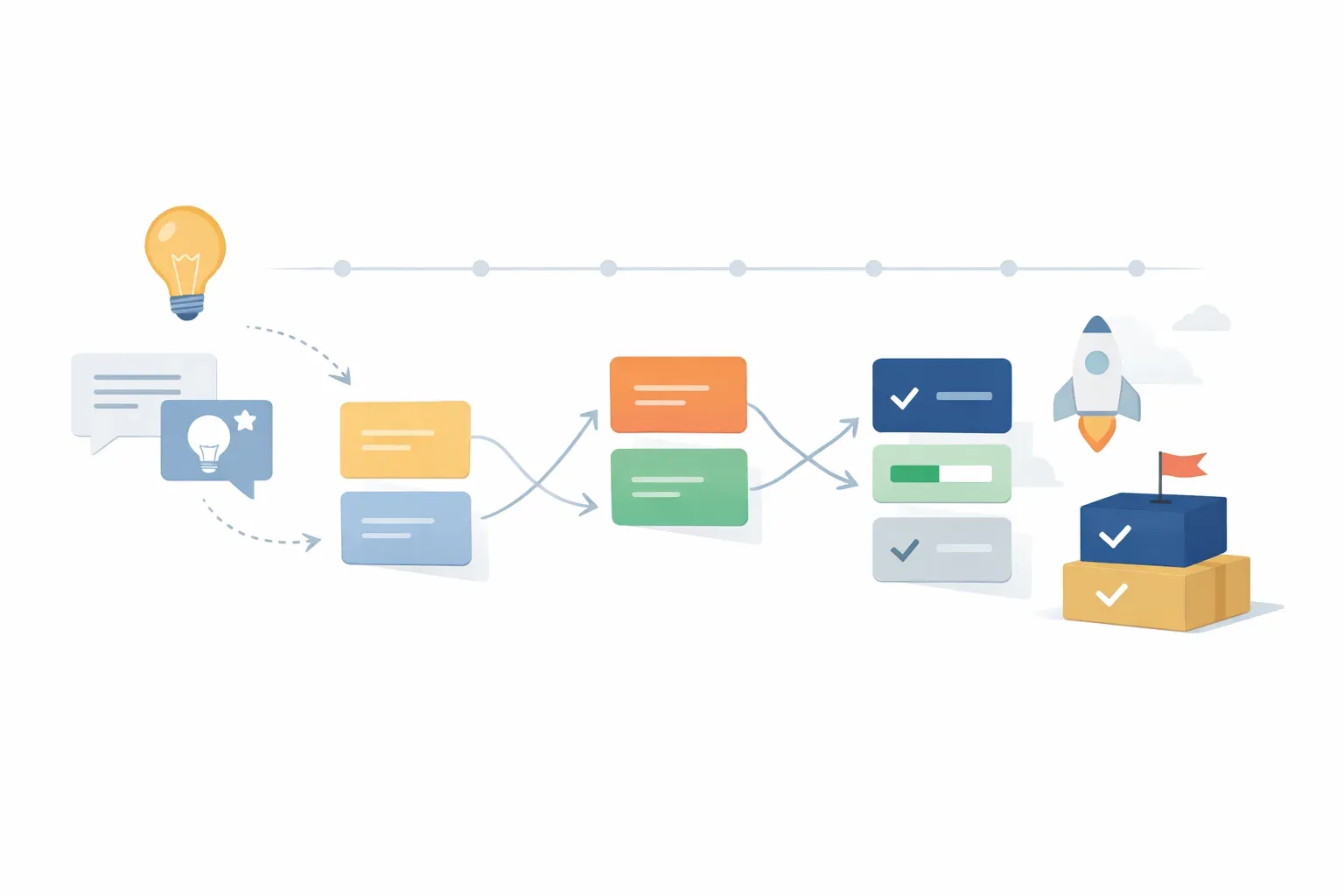
Dedicated roadmap platforms: check whether free access is enough
Some dedicated roadmap products may offer a trial or limited access rather than a permanent free plan. They can still be worth comparing, but do not treat a trial as a long-term free option. Ask what happens to your roadmap and collaborators when the trial ends.
6. Productboard
Productboard is a candidate for teams that want to connect customer insights with product planning and prioritization. Check whether its available plan supports the number of contributors and the customer-evidence workflow you need.
Evaluate it with actual feedback, not sample data. Can your team group similar requests, understand why an idea matters, and connect a decision to a roadmap item? If the free access available to you does not include those steps, account for the cost of continuing after evaluation.
Best for: Teams whose roadmap decisions rely on organizing customer insights.
7. Aha! Roadmaps
Aha! offers product development software for strategic planning, idea generation, and product planning. Its roadmap tool can be relevant to teams that need a more structured planning process and want to consider customer ideas alongside roadmap work. The CPO Club overview of free roadmap software also describes Aha! as supporting idea collection and feature prioritization.
Check whether the access available to your team is a free plan or a time-limited trial. Then test whether the planning structure fits your team's actual process. A tool with extensive planning features can be more than a lean team needs if the roadmap is simple and only a few people maintain it.
Best for: Teams looking for structured planning and a way to bring ideas into prioritization.
8. ProductPlan
ProductPlan is a dedicated roadmap option to assess if the main need is planning and communicating product direction. During evaluation, create one internal view and one view for stakeholders. Check how easily the team can update both without exposing tentative dates or internal reasoning.
Confirm whether free access is ongoing or trial-based, and which collaboration and sharing features are included. A roadmap's value depends partly on whether the people who need it can access and interpret it.
Best for: Teams that want a purpose-built roadmap and clear stakeholder communication.
9. Roadmunk
Roadmunk is another dedicated roadmap tool to compare when presenting plans to different audiences matters. Test how it handles changes to priorities and timelines, and whether the team can create views suited to internal planning and external communication.
As with other trial-based candidates, verify how much of the workflow is available at no cost and what happens when the trial ends. Include migration effort in the decision: a roadmap is not free in practice if moving it later requires substantial manual work.
Best for: Teams that want to assess roadmap presentation and audience-specific views.
10. Craft.io
Craft.io is a product-management platform to consider if your roadmap work involves more than maintaining a list of initiatives. Test whether its planning and prioritization approach makes decisions easier for your team, rather than adding fields and process that nobody keeps up to date.
Confirm the current free access terms directly. If access is a trial, use the evaluation to test a real planning cycle: add an idea, record why it matters, decide whether it belongs on the roadmap, and share the result with the people who need it.
Best for: Teams that want to evaluate a dedicated product-planning workflow.

How to choose a free product roadmap tool
Run a short evaluation using one real roadmap item. Include its customer or business context, priority, status, intended audience, and the next step after a decision. Then compare tools against the same scenario:
- Check the actual free limit. Confirm whether access is permanent or time-limited. Look for restrictions on users, projects, roadmap views, or collaboration.
- Test how evidence reaches the roadmap. See whether feedback can be linked to an idea or decision, or whether someone must copy it over manually. For more on organizing that input, read the guide to customer feedback management.
- Show the plan to its real audience. Ask a teammate or stakeholder to interpret the roadmap without a walkthrough. Check that tentative plans do not read as promises.
- Follow an item past planning. A roadmap item may need delivery tracking, a changelog update, onboarding, or adoption measurement after release. Identify what the tool supports and what will happen elsewhere.
- Estimate the cost of keeping it current. Include setup, maintenance, integrations, and the time spent moving information between systems, not just the subscription price.
A roadmap does not prove that a feature succeeded once it ships. If adoption is part of the outcome, define how you will measure whether the intended users reach the new behavior. This guide to tracking events for feature adoption explains how to connect shipped work to product usage.
Which free roadmap software should you choose?
Choose a lightweight option such as Trello, Notion, or GitHub Projects if your roadmap is simple and your team can maintain the context around decisions. Consider Jira Product Discovery if planning needs to sit close to Jira delivery work. Evaluate feedback-focused or dedicated roadmap products when customer evidence, prioritization, or stakeholder views are the main gap.
The best option is not necessarily the tool with the most roadmap features. It is the one your team can use within its free-access limits while keeping evidence, decisions, and communication clear. If the workflow repeatedly crosses feedback, planning, release updates, and adoption, compare the time spent on those handoffs as carefully as the price.