Best Canny Alternatives for Feedback, Roadmaps, and Growth

Choosing a Canny alternative depends on what is missing from your current workflow. If you mainly need a polished place for customers to share ideas and see announcements, a focused feedback portal may be enough. If requests need to flow into prioritization, roadmap communication, onboarding, and adoption measurement, look for a platform that connects those jobs.
Here are two options for different needs, plus a practical way to compare them without choosing on feature count alone.
Canny alternatives at a glance
| Option | Consider it when | Workflow to assess |
|---|---|---|
| Frill | You want a compact, customer-facing workflow for ideas, roadmap, and announcements | Does the public portal cover the feedback and communication work you need? |
| Managani | You want feedback, roadmap, release communication, onboarding, and adoption work connected | Can the team carry a customer signal through to a shipped change and measure what happens next? |
These are different approaches, not interchangeable products. A focused portal may be a better fit if customer-facing feedback and updates are the main job. A connected product-growth workspace may suit a team that wants to reduce handoffs between feedback, decisions, releases, guidance, and usage data.
1. Frill: for a compact public feedback workflow
Frill is worth considering when your priority is a simple customer-facing space for ideas, roadmap visibility, and announcements. UserOrbit's overview of Canny alternatives describes Frill as keeping those core elements in a compact portal, rather than asking a team to adopt a larger product system.
That makes it a candidate for teams that want to collect customer ideas and share product updates in one public-facing place. Before choosing it, map your actual process: where does a submitted idea go, who reviews it, how does a decision reach the roadmap, and how will customers hear about the result?
A compact setup can be the right choice when your team already handles prioritization and adoption elsewhere. It may be less suitable if you are trying to bring those separate jobs together. Confirm the current product capabilities, integrations, and plan limits directly with the vendor before making a decision.
2. Managani: for a connected product-growth workflow
Managani is built for lean SaaS teams that want customer feedback connected to more of the product experience. Its workspace brings together feedback, roadmaps, onboarding, changelogs, in-app messaging, analytics, and adoption tracking.
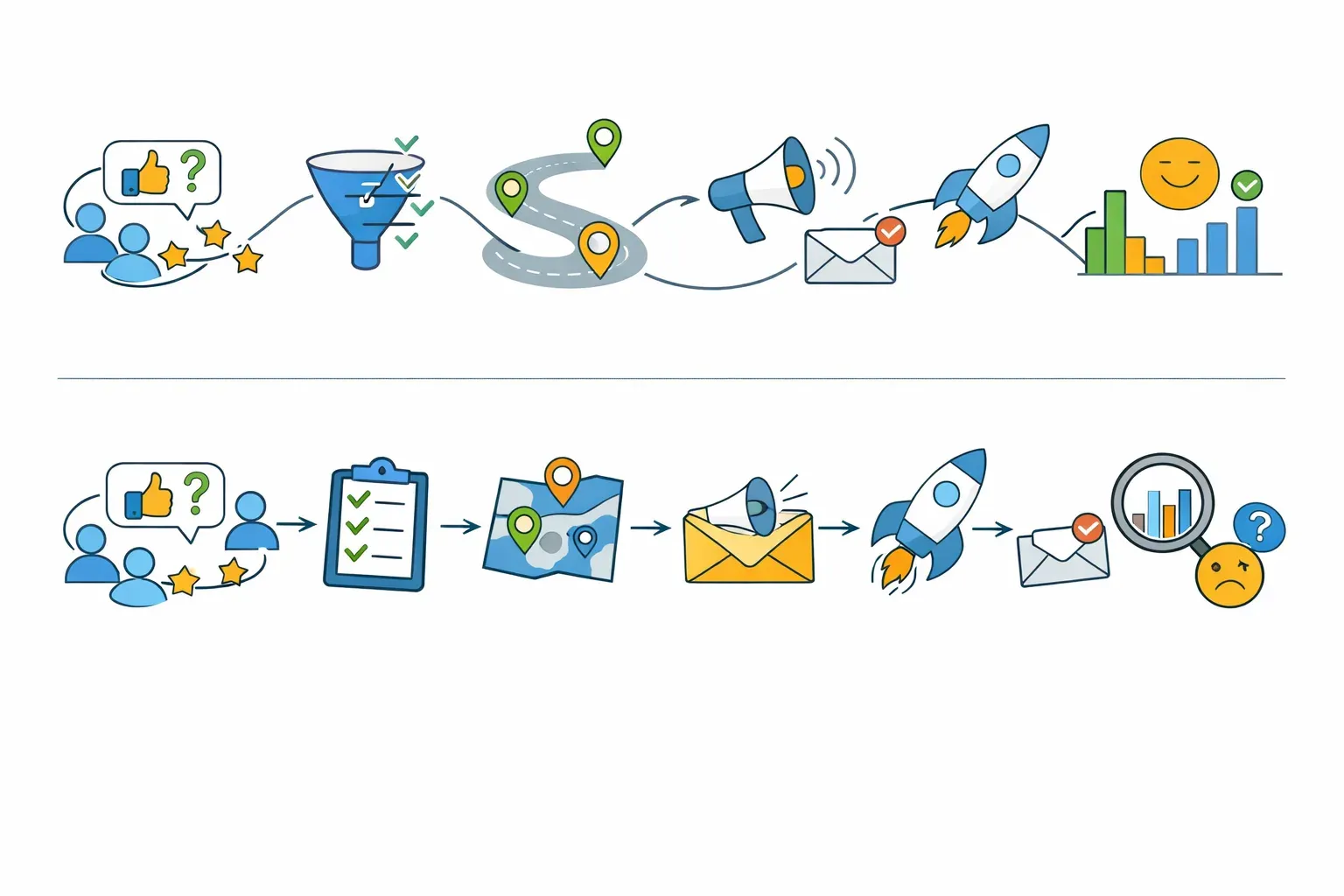
That wider scope matters when a feature request is only the start of the work. A team may need to understand the customer problem, group related requests, decide what to prioritize, communicate progress, announce the release, guide users to the new capability, and check whether they adopt it. When each step happens in a separate tool, someone has to carry context from one system to the next.
Managani can suit teams that want to run that sequence in a connected workspace rather than use a feedback portal as the whole solution. For example, a team could collect a request, consider it alongside other customer signals, connect its decision to roadmap work, publish an update, and review product usage after launch.
If your immediate need is only a public ideas board, this broader workflow may be more than you need. If you are weighing that difference, start with the Managani feedback widget and compare its role in the workflow with the tools you already use.
Choose by the handoff you need to fix
A list of features does not tell you whether a product will fit your team's work. Start by identifying the point where your current process gets stuck.
If feedback is scattered
Look for a clear intake process. Check whether customers can submit feedback in the places that make sense for your product, and whether your team can retain useful context such as the account, request type, and conversation history.
Then test how the team will review and group similar requests. A larger collection of submissions is not automatically useful if someone still has to sort them manually in a separate document.
If decisions are hard to explain
Check how customer evidence connects to prioritization and roadmap communication. Your team should be able to understand why a request matters, what decision was made, and what customers should be told.
A roadmap does not need to promise exact delivery dates to be useful. It should communicate direction and status in a way that matches the confidence behind the work. See roadmap examples for communicating direction for ways to make that information clear without turning every item into a commitment.
If releases do not close the loop
A feature being shipped does not mean customers know about it or have adopted it. Ask how the tool supports release communication, in-product guidance, and follow-up measurement.
For instance, a team might announce a new workflow in a changelog, show eligible users a contextual prompt, and track whether they complete the action the feature was built to support. If usage remains low, feedback and follow-up questions can help explain why.
If your team is stitching together tools
List the systems involved in one real product change. Include where the request arrives, where prioritization happens, where roadmap status is published, how the release is announced, and where product usage is reviewed.
The goal is not to put every company process into one product. It is to find out whether repeated copying and coordination are slowing down the product work. Managani's guide to replacing a fragmented product-growth stack explores that specific trade-off.

A practical way to compare Canny alternatives
Run each shortlisted product through the same scenario instead of comparing feature pages in isolation.
- Choose a real customer request. Pick one the team has received more than once, or one that involves an important customer problem.
- Trace the request to a decision. See whether the tool helps preserve context and make the reasoning behind the decision accessible to the people who need it.
- Follow the roadmap update. Check how the team communicates status, and whether that view works for its intended audience.
- Plan the release follow-up. Decide how customers will learn about the change and how users will find the new capability in the product.
- Define a measure of adoption. Choose a product behavior that would show whether the release helped, rather than relying only on views or announcement reach.
- Check the manual work. Record what your team still has to copy, reconcile, or explain in another system.
Use the same request and workflow for every option. A tool that looks simple in a demo may not remove the handoff that causes the most trouble in your day-to-day process.
Also verify operational needs before switching: account and identity handling, data export, permissions, integrations, pricing, implementation effort, and how existing feedback records will be handled. These details can change the total cost of a move, even when the feature set looks attractive.
Which Canny alternative should you choose?
Choose Frill if your main goal is a compact public portal for ideas, roadmap visibility, and announcements, and your team is comfortable handling the rest of its product workflow elsewhere.
Choose Managani if your team wants customer feedback to connect with roadmap decisions, changelog communication, onboarding, in-app messaging, analytics, and adoption tracking in one workspace.
If neither description matches, use the workflow test to identify the specific gap you need to solve before expanding your shortlist. The right alternative is the one that helps your team preserve customer context from the first signal through the decision, release, and follow-up.
Frequently asked questions
What should I look for in a Canny alternative?
Start with the part of the workflow Canny is not solving for your team. Compare how each option handles customer feedback, prioritization, roadmap communication, release updates, and any adoption follow-up you need. Test the same real request in every product so you can see where manual handoffs remain.
Is a feedback portal enough for product teams?
A feedback portal can be enough when the main need is collecting ideas and sharing product updates. If the team also needs to connect requests to prioritization, releases, onboarding, and usage measurement, check whether those workflows are supported or will remain in separate tools.
When should a team consider a broader product-growth platform?
Consider one when product work repeatedly crosses disconnected systems. If people copy requests into planning tools, re-create roadmap updates for customers, and separately investigate whether a release was adopted, a connected workspace may reduce that coordination. Compare the workflow and operational fit before deciding to consolidate.