Product Analytics Tools for Adoption Tracking: A SaaS Guide
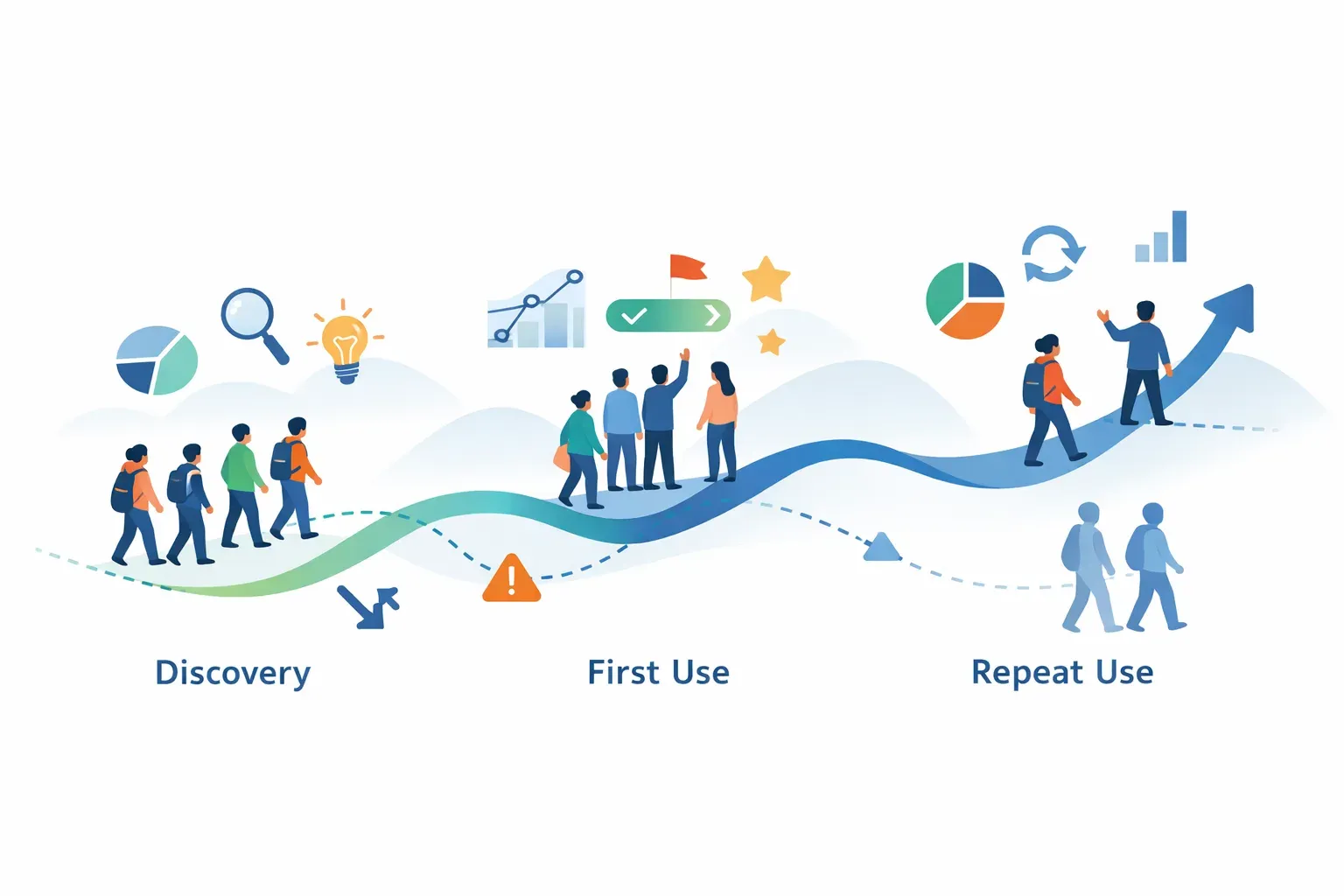
A feature can ship on schedule and still miss the people it was built for. New users may never find it, eligible customers may try it once and leave, or an important step may fail without anyone noticing. Product analytics tools help teams see these patterns by turning in-product actions into measures of activation, feature use, drop-off, and retention. MeltingSpot describes this event-to-adoption-metric role.
The useful question is not just whether a tool collects events. It is whether your team can define adoption clearly, find where it breaks, and act on what the data shows. That requires a small set of well-defined metrics and a path from observation to follow-up.
What adoption tracking should tell you
Adoption tracking should help answer four questions:
- Who is reaching value? Which users or accounts complete the action that signals they have started getting value from the product?
- Which features are being used? Are the intended users discovering and using a feature after launch?
- Where do users stop? Which step in a key workflow has the largest drop-off?
- Do users return? Do the people who try a feature keep using it, or was their first use a one-off?
These measures are related, but they are not interchangeable. Activation usually describes an early milestone in the product journey, such as completing setup or carrying out a first meaningful task. Feature adoption focuses on a particular capability and its intended audience. Retention asks whether users return and repeat valuable behavior over time.
A single "active users" number cannot answer all three. A customer could log in frequently without using the feature you just shipped. Another may use the feature regularly but not meet a broad activity definition.
Start with the outcome, then define the event
Before comparing tools or adding tracking, write down the user outcome the feature is meant to support. Then identify the observable action that best represents that outcome.
For example, imagine a SaaS product adds a saved-report feature. Opening the report builder may show interest, but it does not prove that users are getting value. A more meaningful sequence might be:
- A user opens the report builder.
- The user creates and saves a report.
- The user returns to view or update that report.
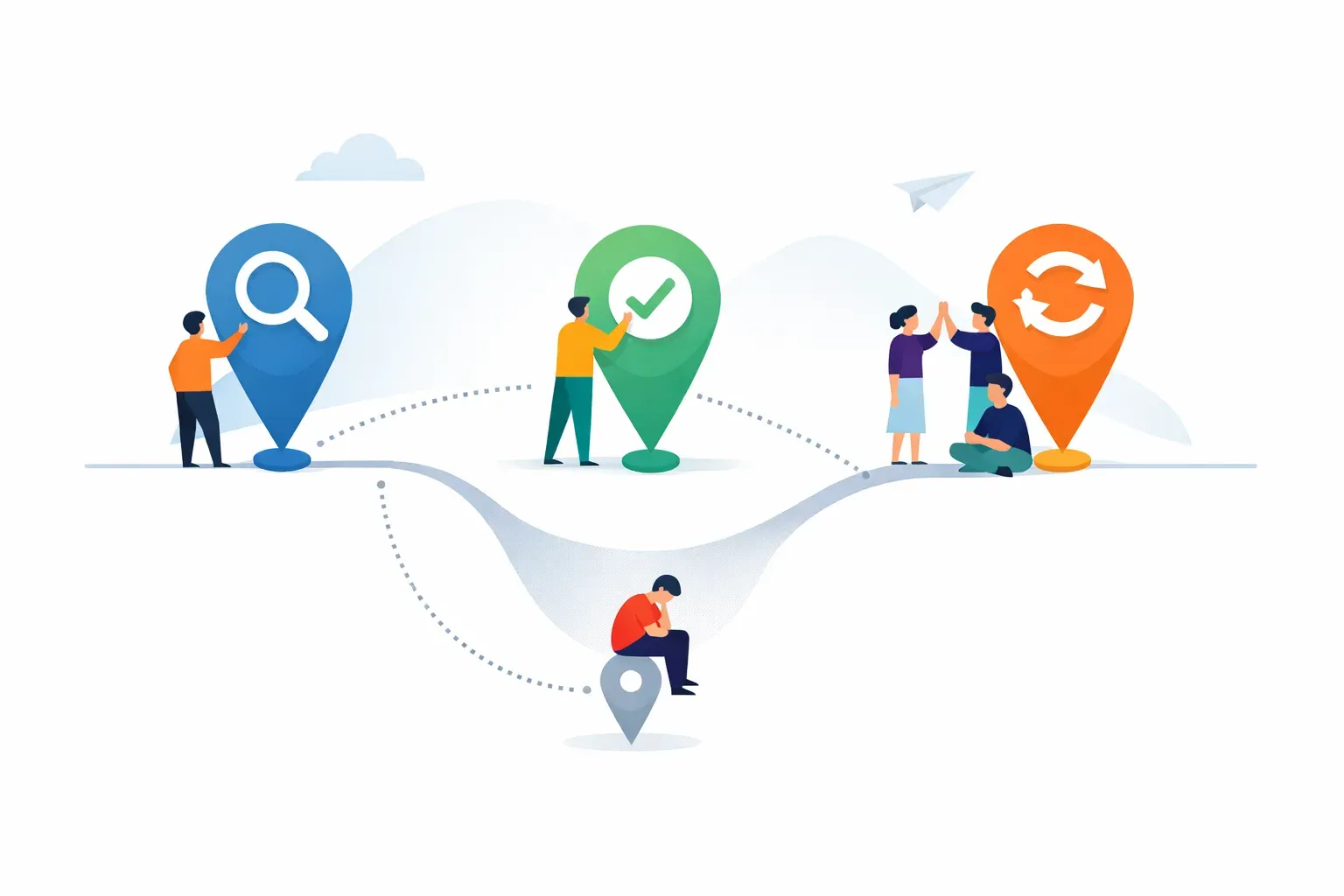
The first action measures discovery. The second measures initial use. The third gives evidence of repeat use. Treating all three as the same event would hide where the experience is working or failing.
For each event, document:
- The action: What did the user do?
- The audience: Which users or accounts are eligible to adopt this feature?
- The context: Which product area, plan, role, or workflow is relevant?
- The time window: When should the action count, such as within 14 days of account creation?
- The intended outcome: What customer task does this action help complete?
This definition is more important than the event name. A clearly named event can still be misleading if it fires when a user merely opens a screen rather than completing the meaningful task.
A practical measure for feature adoption is:
Feature adoption rate = eligible users who complete the key action during the chosen period ÷ eligible users during that period
State the eligibility rule and time period every time you share the rate. Otherwise, two people may report different numbers while both believe they are measuring adoption.
For a feature that is relevant only to administrators, for instance, the denominator should not include every account member. If the feature is available only on certain plans, users on other plans should not be counted as eligible. The right denominator makes the rate useful for decisions rather than just easy to calculate.
Choose tools by the questions they can answer
A product analytics tool is useful for adoption tracking when it can collect the events you need and make the resulting behavior understandable. Evaluate each option against a real user journey rather than a general feature checklist.
Check whether the tool can:
- Capture the actions that represent discovery, first use, and repeat use.
- Distinguish individual users from customer accounts when both matter.
- Filter or segment results by relevant user or account attributes.
- Show a sequence of steps so your team can locate where users leave a workflow.
- Compare behavior across a meaningful time period or group.
- Help investigate the surrounding product context without confusing clicks with customer outcomes.
The level of analysis varies by platform. Some tools are designed for detailed behavioral analysis, while others emphasize a broader product workflow. Confirm that the tool supports the reports, segmentation, data controls, and implementation approach your team needs. The Managani product analytics page describes browser interactions it can record, including clicks, form submissions, search terms, input focus, and input changes when appropriate for the configured deployment. That kind of activity can help explain how people interact with a product, but a team still needs to decide which actions represent successful adoption.
If you need event funnels, cohorts, session replay, experimentation, or detailed data pipelines, verify those specific requirements rather than assuming they are included. A comparison of product analytics tools for startups can help frame the choice between dedicated behavioral analysis and a broader product-growth workflow.
Instrument the adoption journey, not every click
It is tempting to track every available interaction. More events do not automatically produce better answers. Excessive or inconsistent tracking makes it harder to see the actions that matter, while leaving key steps untracked can make a drop-off impossible to diagnose.
For a new feature, begin with a small event map:
| Journey stage | Example question | Possible event |
|---|---|---|
| Exposure | Did the intended user encounter the feature? | Feature announcement viewed |
| Discovery | Did they open the feature? | Feature opened |
| First value | Did they complete the core task? | Key task completed |
| Repeat use | Did they return to the feature? | Key task repeated |
| Friction | Where did the user stop? | Workflow step abandoned |
These are examples, not universal event names. Choose labels that match your product and use them consistently. Before relying on a report, test that each event fires at the intended moment, for the right user, and only once per action. Check how anonymous activity is handled, how accounts and users are associated, and whether internal or test usage is excluded from the analysis.
For more on choosing events for a shipped feature, see tracking events that turn shipped features into adoption data. The aim is a small, dependable set of signals that helps explain whether a user reached value, not an event catalogue that no one can interpret.

Read the drop-off before choosing a fix
Suppose a new reporting feature has low repeat use. That number alone does not tell you what to change. Compare the stages of the journey and look for where behavior diverges.
- Few eligible users see the feature: The problem may be discoverability or unclear communication.
- Many users open it, but few complete the task: Look for confusing steps, missing setup, or an unclear first action.
- Users complete the task but do not return: Check whether the feature solves a recurring problem or whether users can find their saved work again.
- One role adopts it while another does not: The feature may need different onboarding or may not fit both roles equally.
- A release produces an initial spike that fades: The announcement may have prompted trials without creating a repeatable use case.
These patterns are clues, not proof of cause. Usage data can show where behavior changes, but it may not explain why. Pair it with customer context: support conversations, feedback requests, in-app survey responses, or interviews. A short question to users who stop at a particular step can help distinguish a usability problem from a feature that is not relevant to their work.
Connect measurement to the next product action
An adoption report is valuable when someone owns the response. Agree on what the team will do if adoption is lower than expected, and who will review the result. For example, the team might check the onboarding flow, update the release explanation, or ask a small group of eligible users what blocked them.
For a known friction point, a targeted in-app message or short guide may help users take the next step. Keep the intervention tied to a specific action, then review whether the intended audience completes it. SaaS onboarding and in-app messaging can support that follow-up when the issue is helping users understand or reach a product action.
Keep a record of the original metric definition and the change made. If the denominator, event logic, or eligible audience changes, note that too. Otherwise, a later comparison may look like adoption improved when the team has changed what counts.
This is where a connected product workflow can help a lean team. A feature may begin as customer feedback, move into a roadmap decision, ship with a changelog update, and then need onboarding or messaging to reach the intended users. Managani brings those product-growth workflows together with analytics and adoption tracking. It is not a substitute for every specialized analytics platform; teams with deeper behavioral-analysis needs should assess those requirements directly.
A practical tool evaluation
Before selecting a product analytics tool for adoption tracking, test it against one recently shipped feature:
- Write down the desired customer outcome. Describe what a user should be able to accomplish.
- Define eligibility. Specify which users or accounts had access and should count in the denominator.
- Map the key actions. Separate exposure, discovery, first value, and repeat use.
- Validate event collection. Test the events with real product behavior and check for duplicates or missing context.
- Review a segment. Confirm that you can isolate the relevant audience, role, plan, or account type.
- Find a drop-off. Use the tool to identify a point in the journey where behavior weakens.
- Choose a response. Decide whether the next step is product research, an onboarding change, clearer communication, or a product fix.
- Recheck the same measure. Keep the definition stable when comparing behavior before and after the change.
For help with the metric itself, see how to measure feature adoption rate for SaaS. The important distinction is that a tool can surface behavior, but the team must define what successful adoption means and decide what to do when users do not reach it.
Product analytics tools for adoption tracking are most useful when they connect a clear user outcome to dependable events, an eligible audience, and a concrete follow-up. Start with one feature and one journey. If the data reveals a gap, combine that signal with customer feedback, make a targeted change, and measure the same journey again.